

Les Caux des Montagnes Map v 1.0.0.1


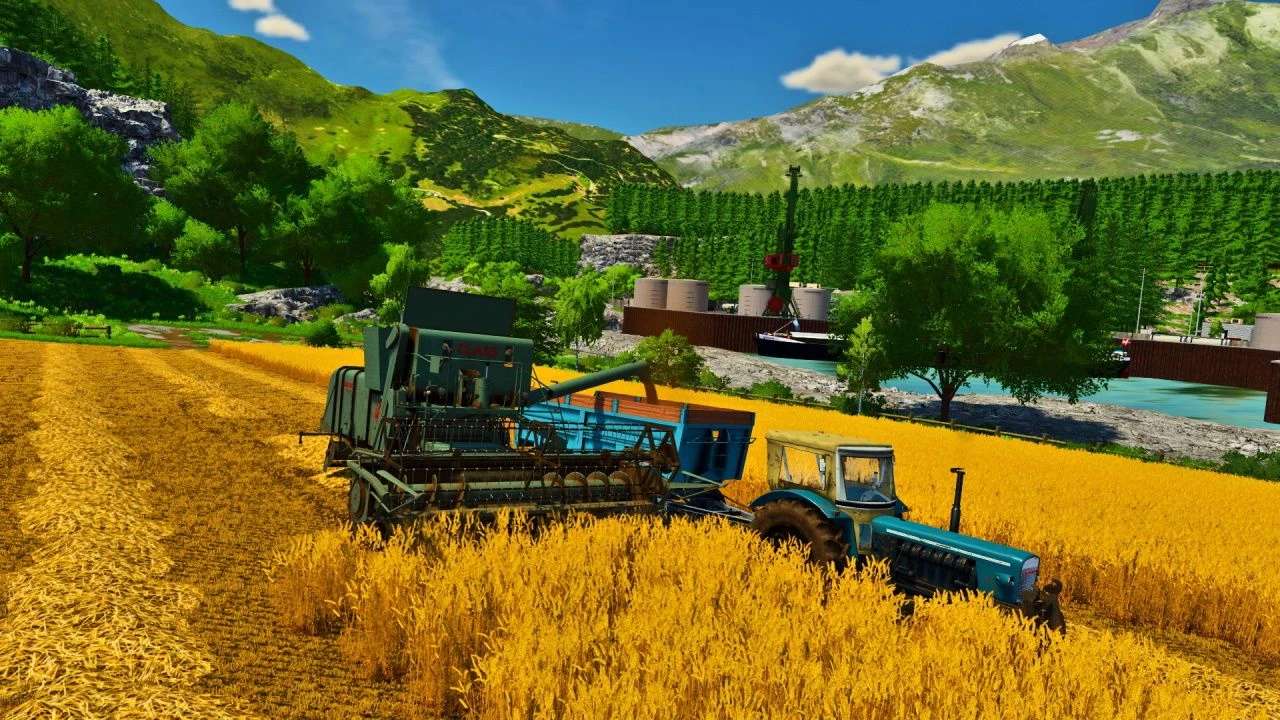
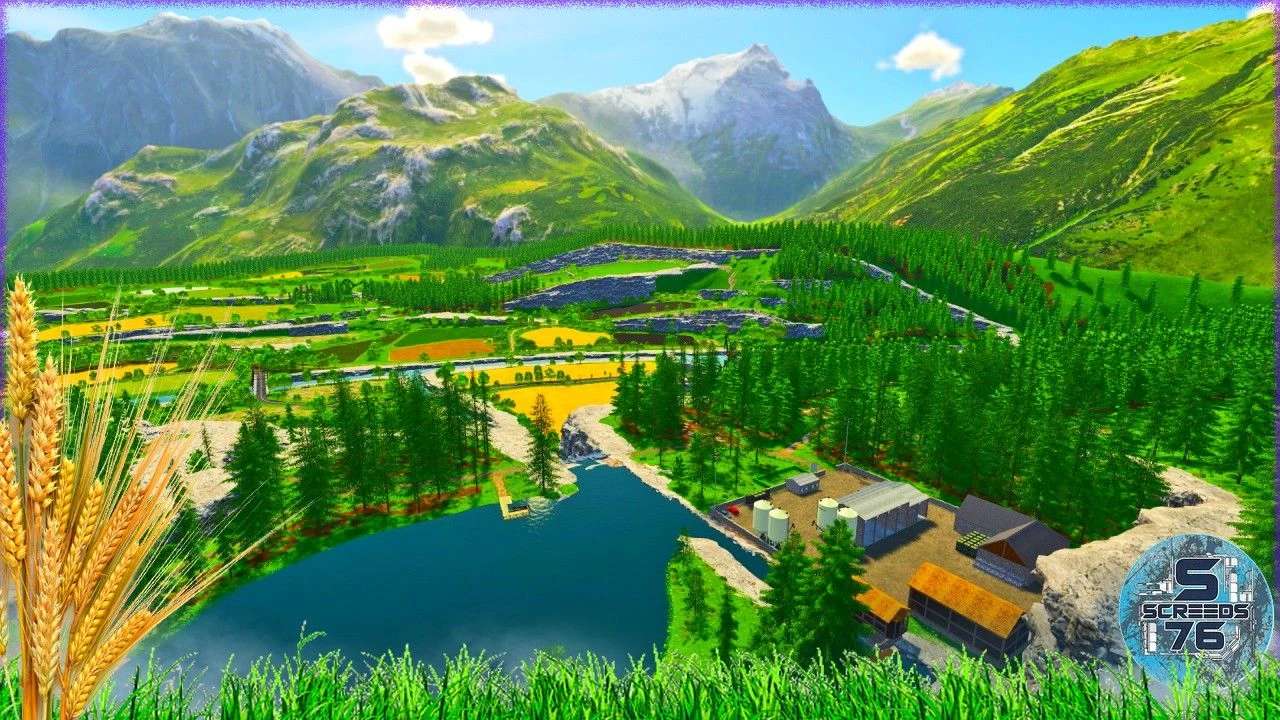
– 46 fields to cultivate
– Access to the fields is only via the planned entrances indicated on the PDA and which are purchasable. You can group several fields and their size varies from 0.72ha to 2.8ha
– 5 meadows
– 18 forests for silviculture and other forestry activities
– 2 cow pastures
– 1 goat pasture
– Point of purchases and sales: 1 cooperative, 1 concessionaire, 1 market, 1 service station, 1 animal dealer as well as straw, fertilizer, manure, silage, 1 dairy, 1 cannery, 1 depot for sale of various products, 1 mill, 1 sawmill, 1 oil mill, 1 BGA, 1 bakery. At each entrance to each point of sale, you have icons will indicate the products accepted in addition to the game menu
– No industry is installed for the various productions, you will be free to install them yourself
– There are 5 placeable areas to set up farms, production factories or sales points as you wish
– 5 other placeable areas where the cows, goats and sheep are located each with an integrated pasture
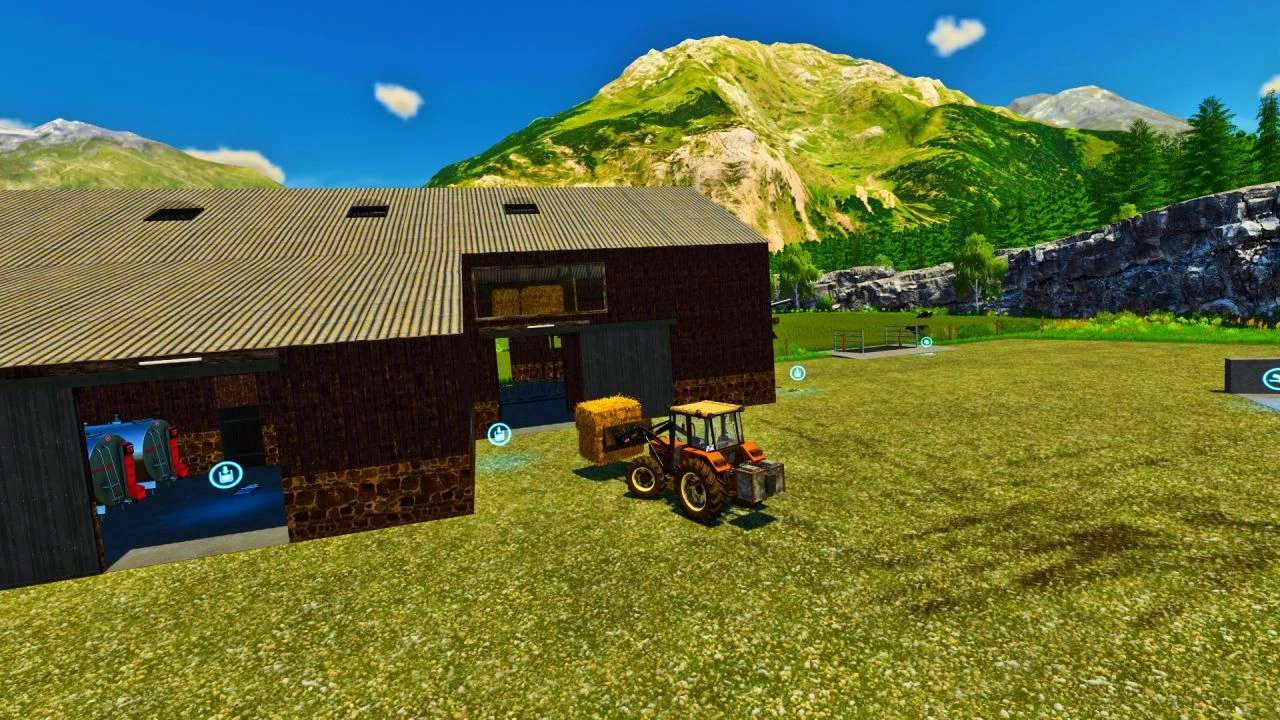
– 2 cow stalls, one of which includes the main farm (milk production, slurry, manure)
– 2 goat farms (production of goat’s milk, cheese and manure)
– 1 sheepfold (production of sheep’s milk, wool and manure)
– 2 chicken coops (production of eggs and manure)
– You can remove all stalls and buildings as well as adjoining pastures if you do not wish to use them or if you want to install them yourself or even create fields there instead
– You will find the basic crops of the game as well as carrots, onions, alfalfa, clover, triticale, rye, protein peas, lentils, flax
– 2 free water points
– Creations also concerning 3D with the various stabling, the concessionaire, the cooperative, the oil factory and the cannery, village houses and several decorations and accessories such as the Canadian passages for example
– Integration of PlaceAnywhere and AdditionalFieldInfo
Version 1.0.0.1:
* Fixed the liquid silo issue preventing you from reloading products into storage
* Moved the chicken manure trigger
* Replacement of the potato sales trigger at AGRIAL
* Repair of vehicle and pedestrian splines in the village
* Modification of the sales and repair trigger at the Dealer (If you have installed the workshop trigger, delete it and reinstall it after updating the Map)
* Replacement of the barriers of the meadows of the artificial animals and the trader
* Some decorations replaced correctly
* Fixed some triggers in animal buildings (Goats and Cows)
Credits:
Screeds76, Alaindu80, rsca41, Farming Haut Savoyard, Lilik, Ch'Fermier de L'oise


