

Kansas 16x Map v 1.0


On the map you will find:
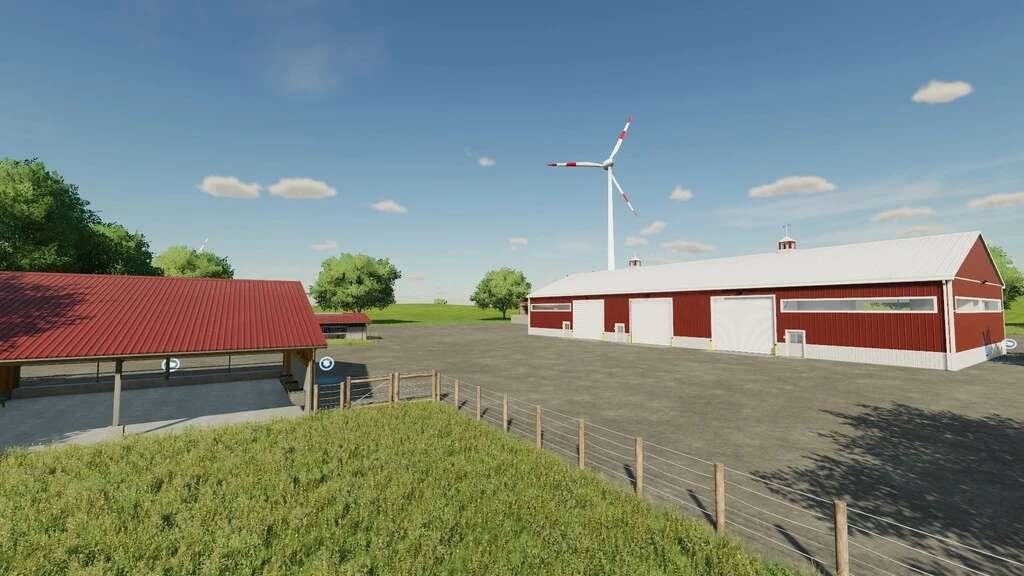
– Two pre-placed farms: The main farm that you own at the beginning and the other farm with silos
– Three farms that you must first purchase land to use
– The main two farms with starting vehicles and equipment will have one large field with garages and silos
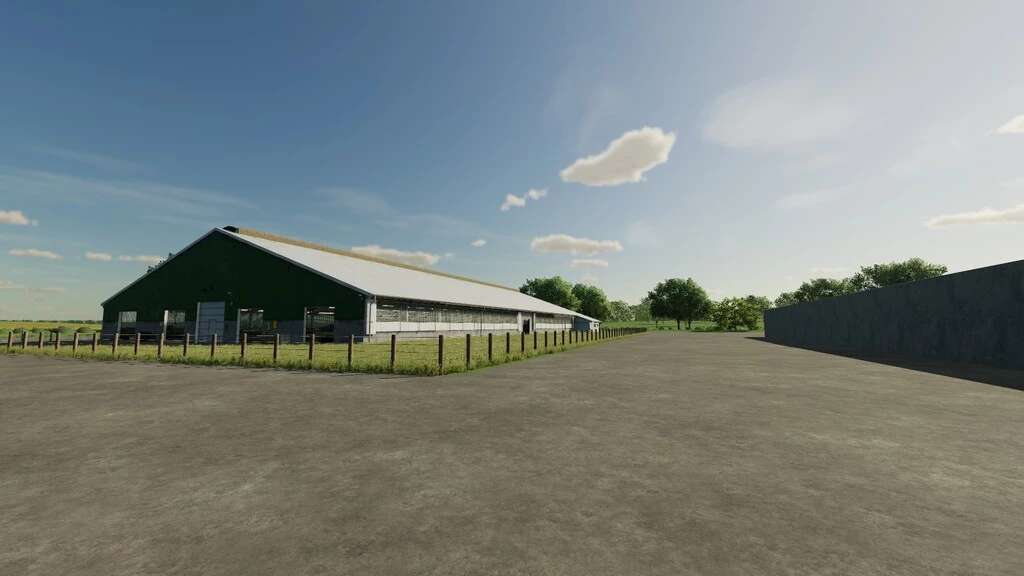
– The lands that you will first purchase to use will have a Cow Barn, Horse Barns, Sheep Barn, Pig Barn
– 20 farm plots
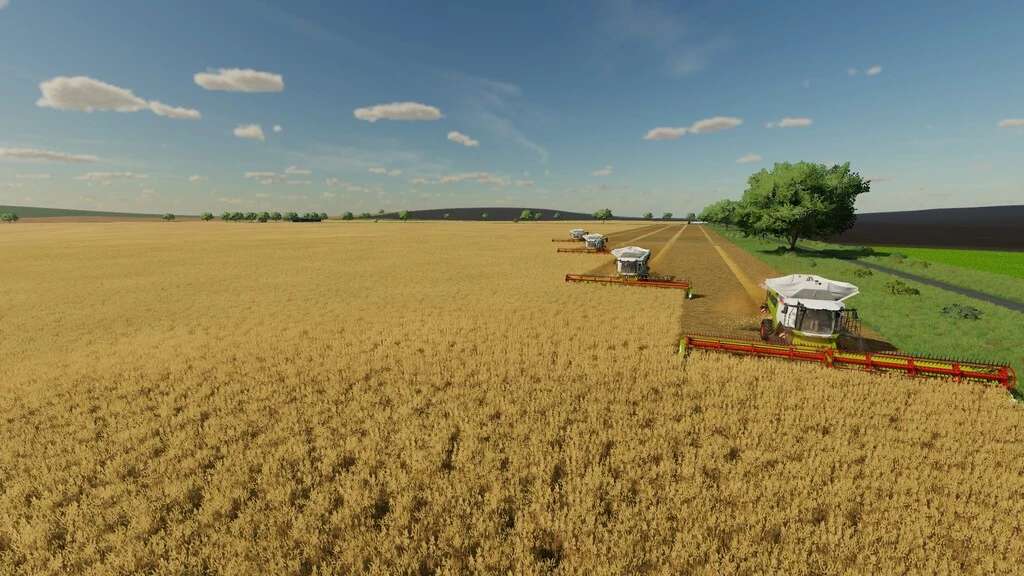
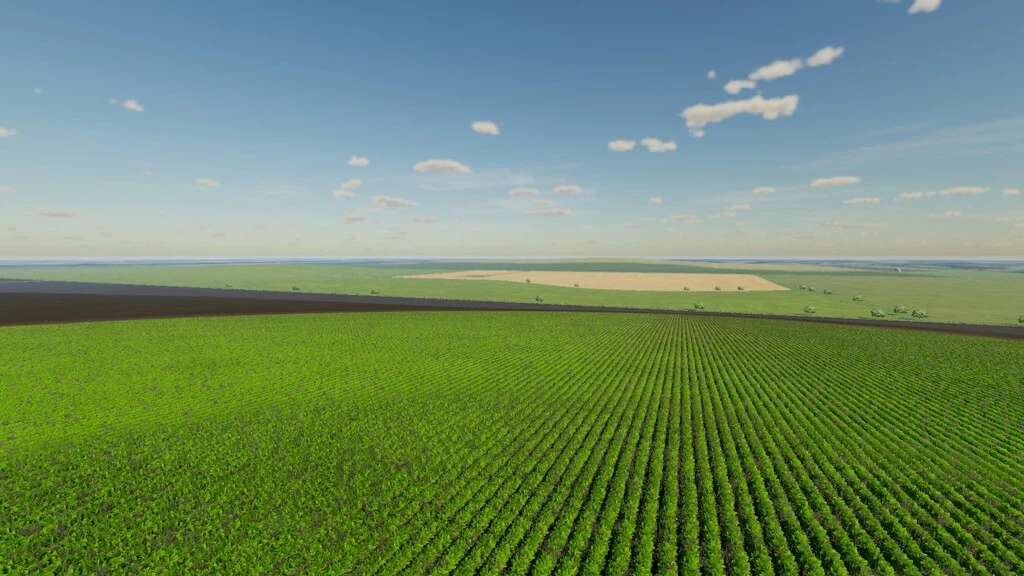
– 15 very large fields. 4 fields with grass missions
– 1 BGA
– Traffic
– Pedestrians
– 4 New Fruit Trees: Plums, Pears, Apples, Apricots
– Purchase points for items from DLC Platinum and DLC Premium
– Animal dealer
– Large Greenhouse: Green pepper, Cucumbers, Onions, Watermelon
– Grapes and Olives fields that come ready planted
Available productions and Sales locations:
– Dairy Products
– Tailor Shop
– Pizzeria
– Grain Mill
– Cereal Factory
– Oil Mill
– Spinnery
– Bakery
– Farmers Market
– Preserved Food Factory
– Soup Factory
– Supermarket
– Restaurant
– Fruit and Vegetable Processing Plant
Credits:
AE MAPING


