

Corn Production Pack v 1.0.0.1


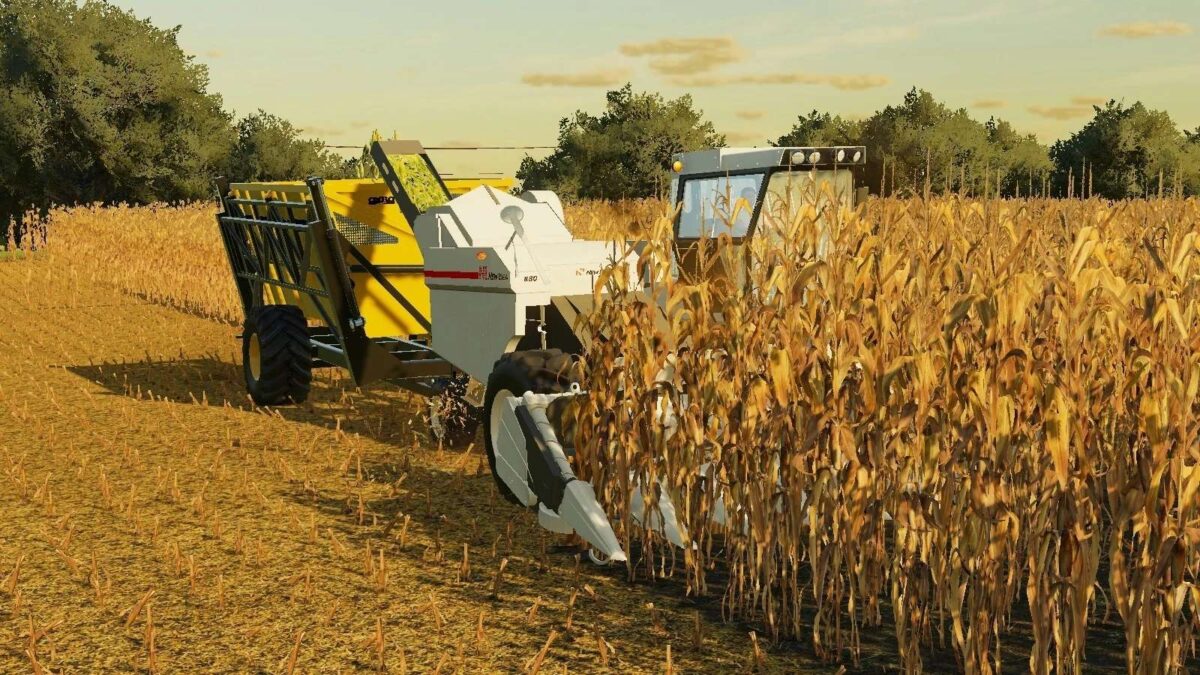
The mod introduces the mechanics of harvesting whole cobs. For this purpose, the pack includes a John Deere 300 chain harvester with reapers. Harvesting is done by cutting off cobs and removing leaves. Corn cobs will be automatically added to some standard and non-standard sales points and storage facilities.
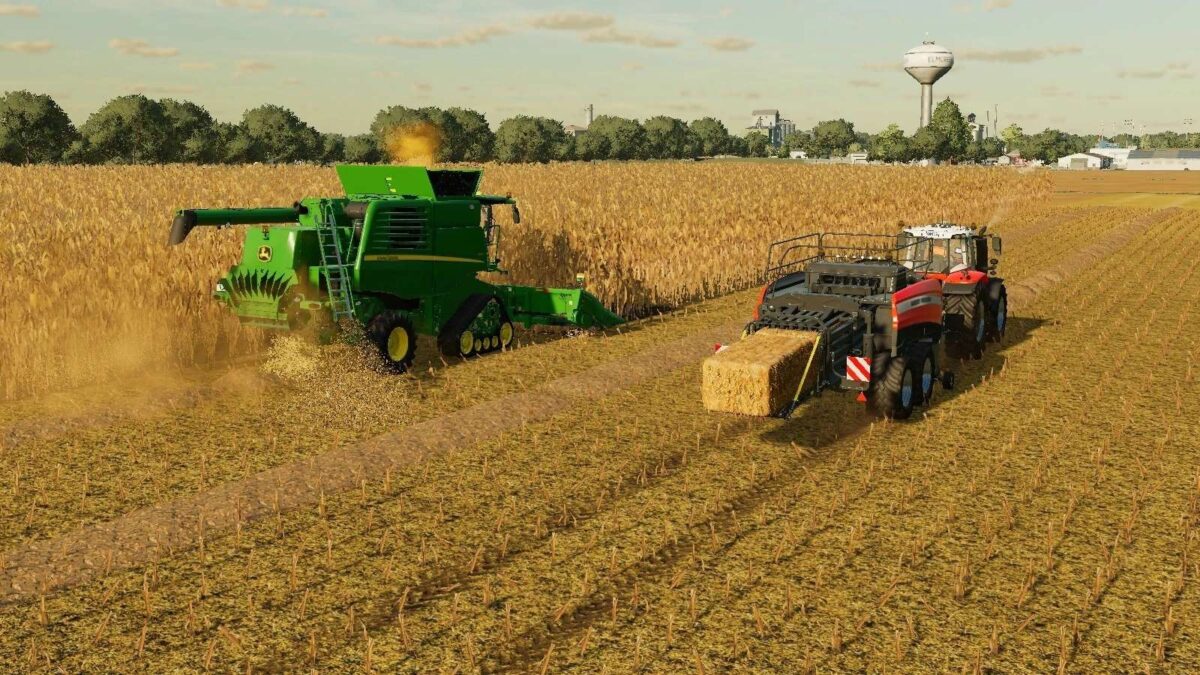
On the other hand, this mod adds the mechanics of harvesting corn straw (stalks) to the game. Straw can be collected with a forage trailer or pressed into bales. Straw can be fed to animals.
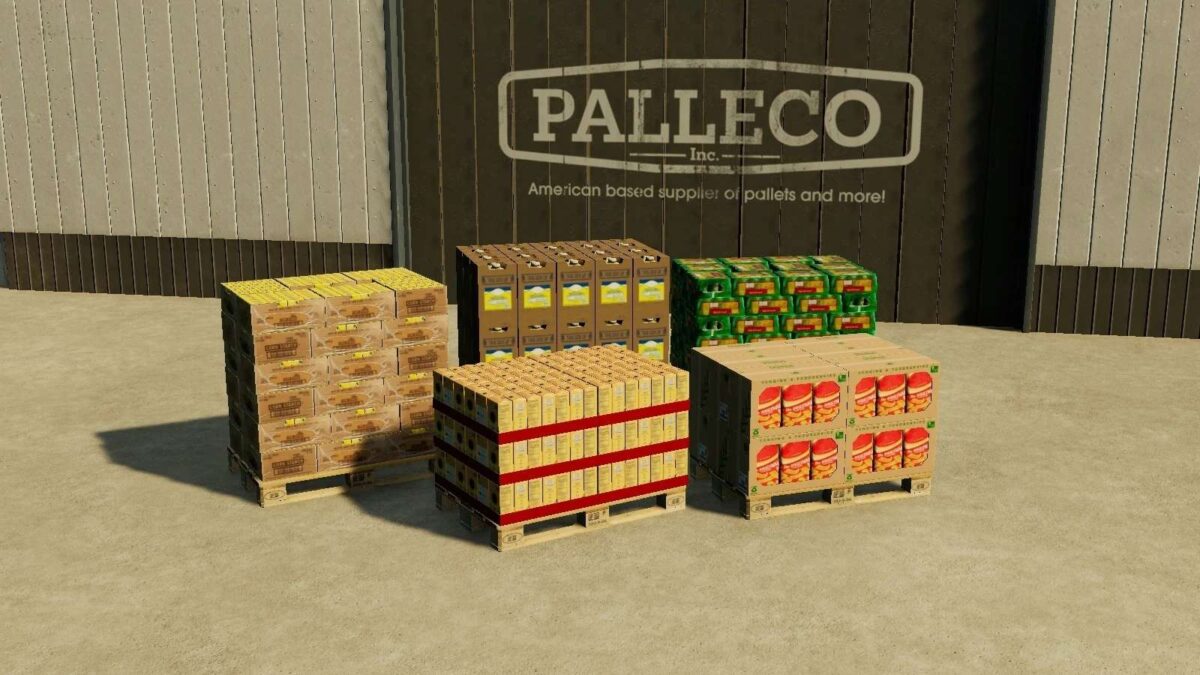
With the help of the Straw Harvest Pack, you can make pellets from corn straw. Various corn products have been added: flour, starch, oil, chips, and sweet corn.
The Corn Production Pack can be used on any map and any product can be sold with a high percentage on it.
For additional information, a section has been added to the in-game help menu.
Version 1.0.0.1:
* Minor fixes and improvements
* Added compatibility with Sip Majevica 80
Credits:
Average Enjoyer


