

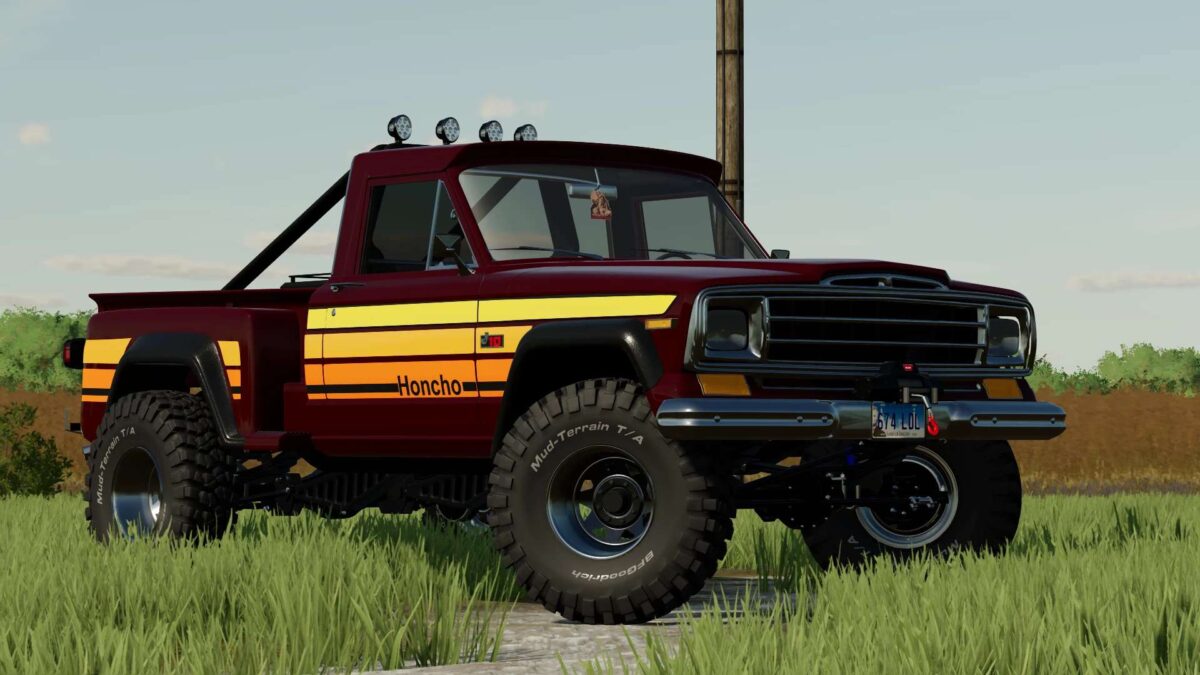
1977 Jeep J10/J20/J30 v 1.0


– Speed 160 km/h
– Color selection
– Choice of interior color
– Rim color selection
– Engine configuration
– License plate configuration
– Animated Pedals, Doors, Dashboard, Trunk, Hood, Suspension
– Wheel configuration
– Lift Kit configuration
– Tire Width configuration
– Wheel Spacers configuration
– Suspension configuration
– Track Bars configuration
– Fender Flares configuration
– Honcho Trim Package configuration
– Back Racks configuration
– Headache Rack Lights configuration
– Window Tint configuration
– Mirrors configuration
– Manual Shift Knob configuration
– Steering Wheel configuration
– Rock Lights configuration
– Headlights configuration
– Strobe Light Bar configuration
– Front Bumper configuration
– Winch configuration
– Rear Bumper configuration
– Steps configuration
– Gun Rack configuration
– CB Radio configuration
– Air Freshener configuration
Credits:
MT_Militia


