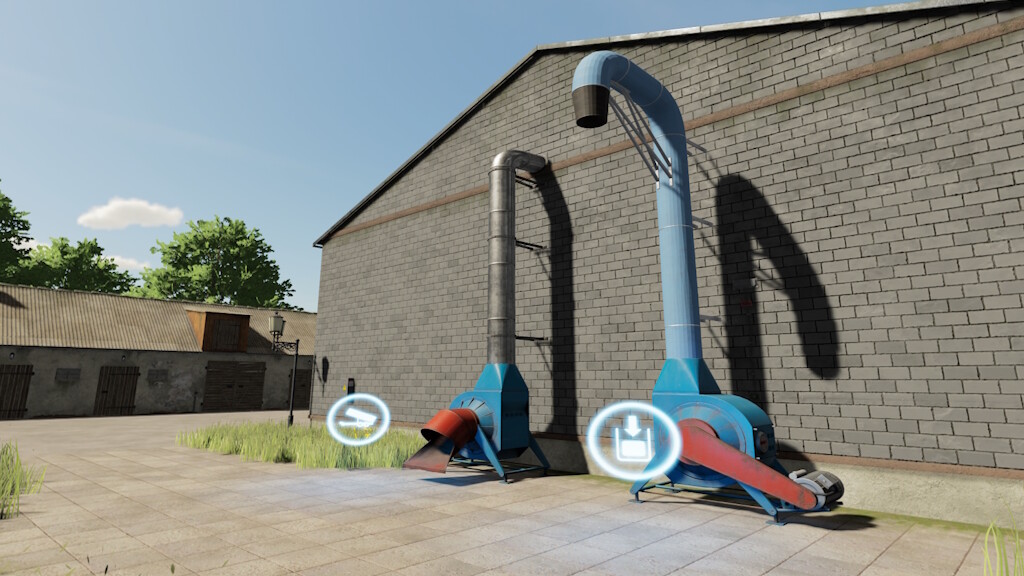
Addable Triggers v 1.1


Haven’t you ever had the problem that you have empty, non-accessible buildings on your farm, but you still want to use them?
That’s exactly what these triggers would be for. This set of triggers consists of different functions of Farming Simulator.
All triggers cost €5,000
The maintenance for non-productions amounts to 5€/day.
Production costs and quantities vary, same as those of the main game.
The following triggers are included:
Farm:
– hayloft
– object storage
– workshop
– farm house
– silo
Productions:
– bakery
– carpenter
– cereal factory
– dairy
– grain mill
– oil plant
– grape processing factory
– spinnery
– sugar mill
– tailor shop
Selling Stations
– for all products from the basegame
– for all Grains
Version 1.1:
* Fixed: Test areas did not fit all buildings.
* Fixed: The icons at all unloading points of the productions are now adjusted
* Fixed: The icon of the dairy was too high
* Fixed: The sugar factory sign now displays correctly
* Changed: The Standrad unloading station is no longer loaded from the main game, as the version there causes a warning in the log and does not make a ground adjustment.
* Changed: Level areas are now only as large as the triggers.
* Changed: Clear Areas are now only as large as the triggers.
* Changed: The hay store now also accepts bales.
* New Liquid storage
* New Grain silo
* New Multifruit silo
Credits:
farmerfivetom