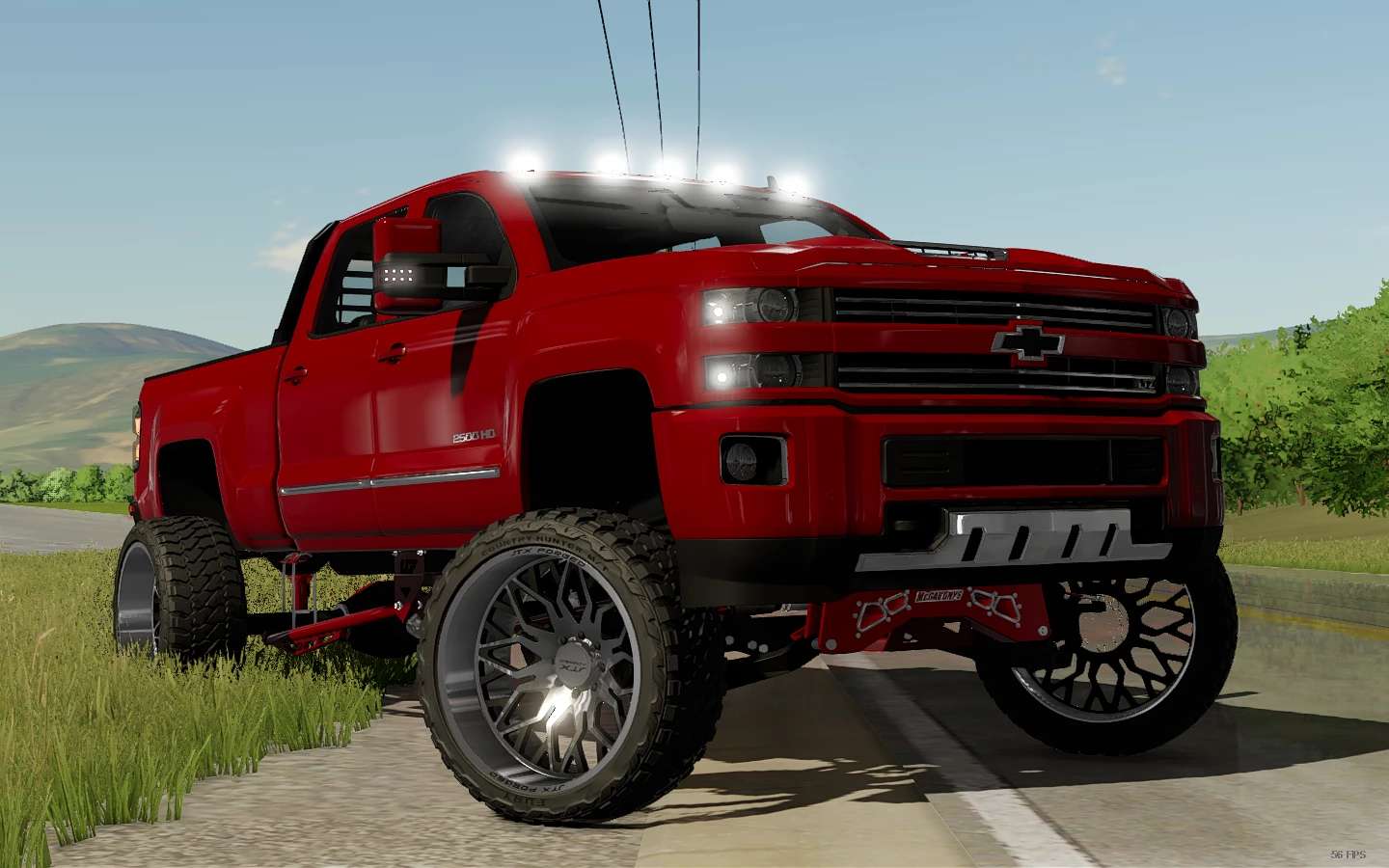
2017 Chevrolet Silverado 2500 v 1.0


The 2017 Chevrolet Silverado 2500 mod for Farming Simulator offers a detailed and functional truck experience. With a powerful engine output of 300 horsepower, this vehicle is capable of handling various farming tasks with ease. It reaches a maximum speed of 120 km/h, making it efficient for transporting goods across your farm.
Players can customize the Silverado with selectable wheels, allowing for adjustments based on personal preference or terrain conditions. The mod also features different configurations, which provide versatility for various farming needs. Additionally, there is a range of selectable colors to personalize the truck’s appearance. Whether you need a reliable workhorse or a stylish vehicle for transport, this mod enhances your farming simulation with realistic options and customization features.
– Power 300 hp
– Speed 120 km/h
– Selectable Wheels
– Selectable Configuration
– Selectable Colors
Credits:
CD-FAb