

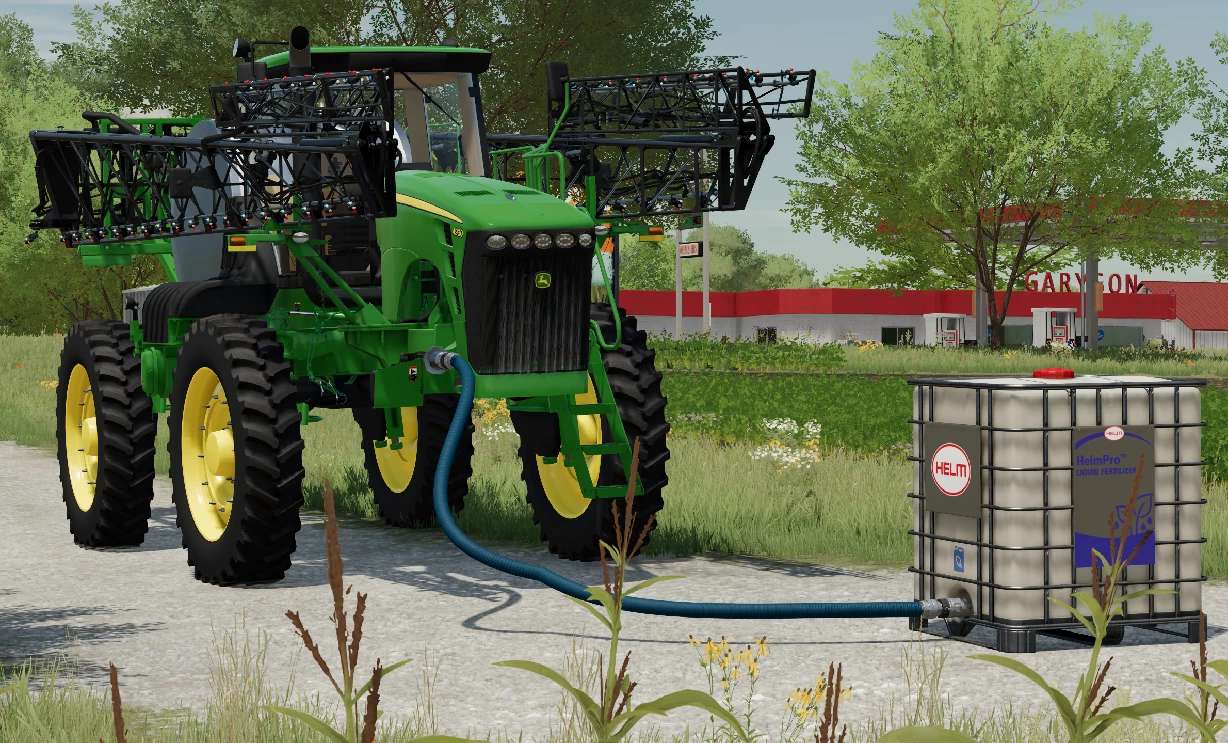
John Deere 4930 v 1.0


The John Deere 4930 Self-Propelled Sprayer is a robust and efficient machine designed for large scale agricultural operations.
Features:
– Engine: It is powered by a 9.0L PowerTech Plus engine, delivering around 325 horsepower, ensuring it can handle demanding spraying tasks1
– Tank Capacity: The sprayer comes with a 1,200-gallon stainless steel solution tank, allowing for extended spraying sessions without frequent refills1
– Boom Width: It features a 120-foot boom, which can cover large areas quickly and efficiently1
– Guidance and Control: The 4930 is equipped with advanced guidance systems, including AutoTrac for precise steering and BoomTrac Pro for maintaining optimal boom height1
– Comfort and Convenience: The cab is designed for operator comfort, with features like an air suspension seat, climate control, and an intuitive control panel1
– This sprayer is known for its durability, precision, and efficiency, making it a valuable asset for modern farming operations
– Sprayer is set up with Interactive Control by Vertexs Designs, and has Manure System ready booms
Credits:
DeLuyck Farms, Custom Modding, Casearias Modding, DinceV2, Skywalker Farms, Corn Belt Modding


