

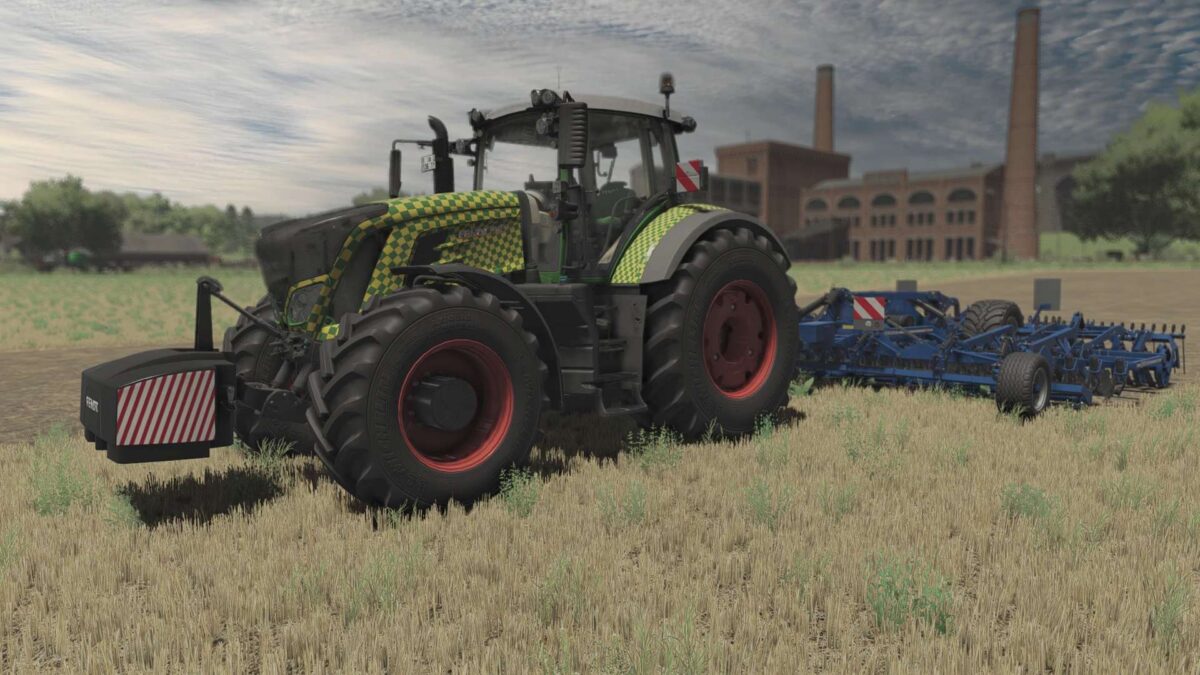
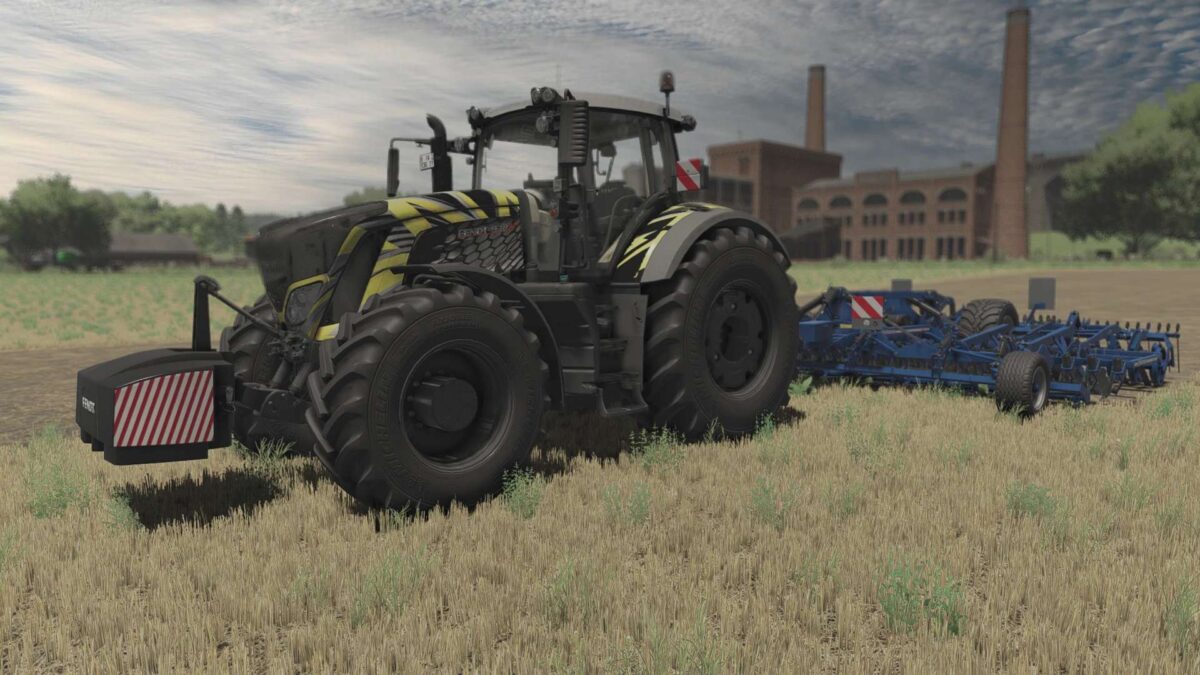

Fendt 900 Vario S4 Full Animation, Special Edition v 1.0.0.2


NEW, refreshed version of Fendt 900 vario S4 in which you will find all possible additions you have dreamed of, additionally the modification does not remove errors and does not cause a drop in FPS.
Manufacturer: Fendt
Model: 900 Vario S4
Production: 2013 – 2020
Standard engine: Deutz TCD, 7.8L
Transmission: Vario (CVT)
Max speed: 60 kph
Price: 190000 $
Power: 300 – 390HP
– Vario 930 (296 hp)
– Vario 933 (326 hp)
– Vario 936 (355 hp)
– Vario 939 (385 hp)
Wheels Brand:
– TRELLEBORG
– MICHELIN
– CONTINENTAL
– MITAS
– BKT
– VREDESTEIN
– NOKIAN
Crawlers Brand:
– Claas
– John Deere
Configurations:
– Warning Signs
– Fenders
– Exhaust
– Gril
– Beacon
– Beacon Design
– Light Bars
– Design (Power, Profi,ProfiPlus)
– Dront configuration
– Decals
– Reverse driving
– Forest Cage
Interactive Control or mouse control
– Door
– Back Window
– Top Window
– Warning Sings
– Hood
– Beacons
– Steering wheel
– Mirrors
Extra
– Front 3000kg Weight
– Front loader
– Full working Dashboard Live
Version 1.0.0.2:
* Fix decals vis
* Fix grill vis
* Fix passanger Seat
* Fix hood vis
* More interactive control options
Credits:
Cpt.G


