

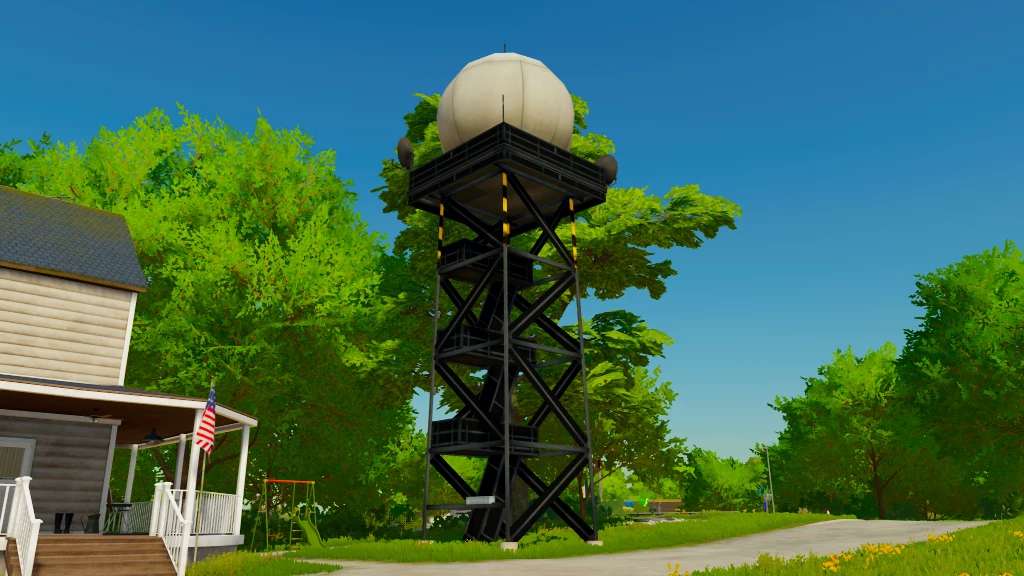
Weather Radar v 1.0


The Weather Radar v 1.0 is a placeable addition to Farming Simulator 22 that allows players to monitor weather conditions in their farming operations. This mod provides detailed information about upcoming weather patterns, including rain, snow, and temperature changes. By strategically placing the weather radar on your farm, you can better plan your activities, such as planting, harvesting, and using various equipment.
The radar features a user-friendly interface that displays real-time data, helping you make informed decisions. It is designed to blend seamlessly into the game’s environment, enhancing realism without disrupting the gameplay experience. Installation is straightforward, and the radar can easily be placed in a variety of locations on your map, making it a flexible tool for any farming operation.
Placeable Weather Radar for Farming Simulator 22.
Credits:
Farm Mods TV


