Digital Display v 1.1.0.1


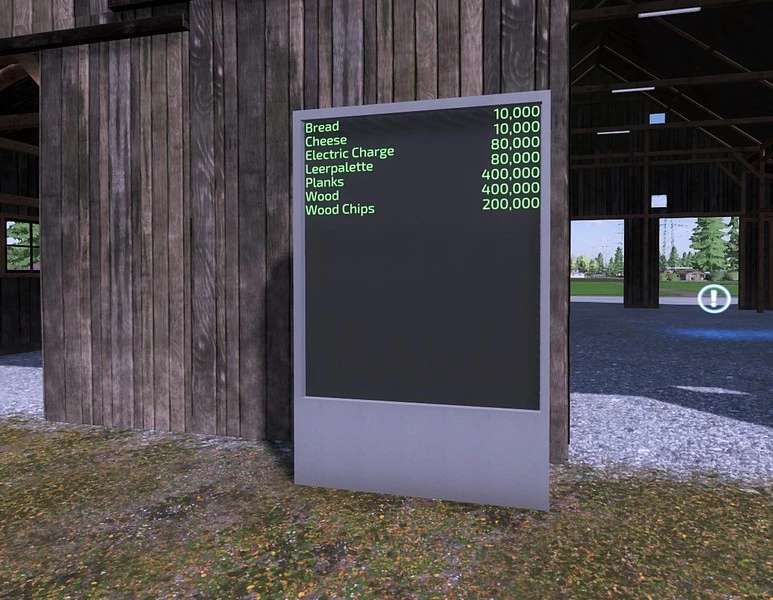
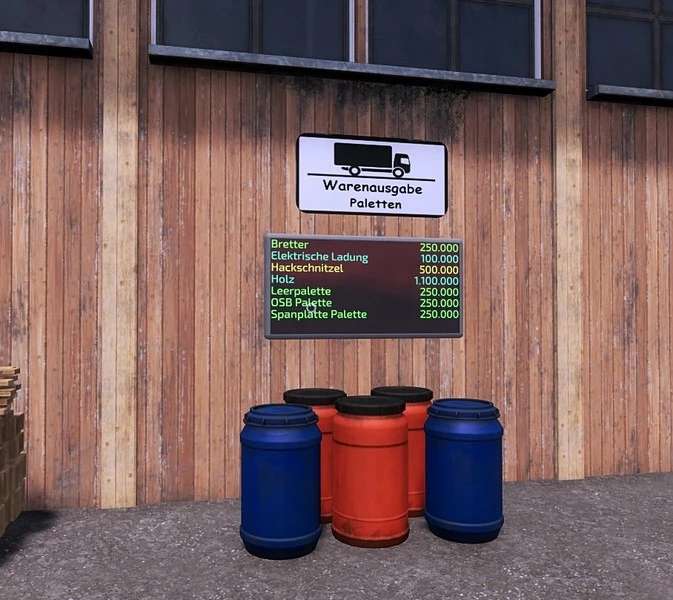
Digital display for the next production or warehouse.
Displays all content sorted alphabetically (lua).
Automatic paging when there is a lot of content.
When the game starts, the display looks for the closest target to display.
So if something is placed closer or deleted, the display will still show the old value.
Included is a chunky stand display and several wall displays with 3 to 26 lines display.
In addition, there is a 26-line wall display with double width and thus 52 displayable content.
For the wall displays is also a pole included, if the building has no suitable area to place.
The wall displays and the pole has color choice.
Price per display: 3.000$ to 20.000$
Maintenance per month: 5$
Price per pole: 250$
Version 1.1.0.1:
* Added IT Translations
Credits:
Achimobil