
FS22 Misc


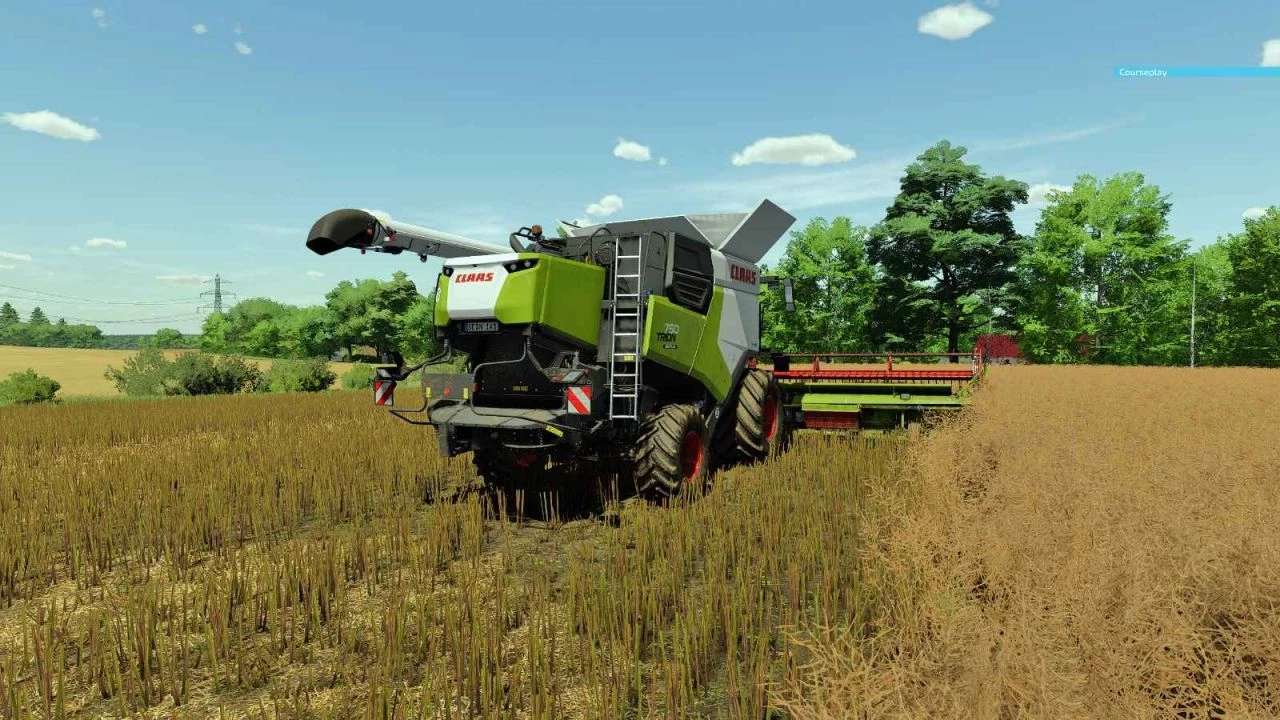
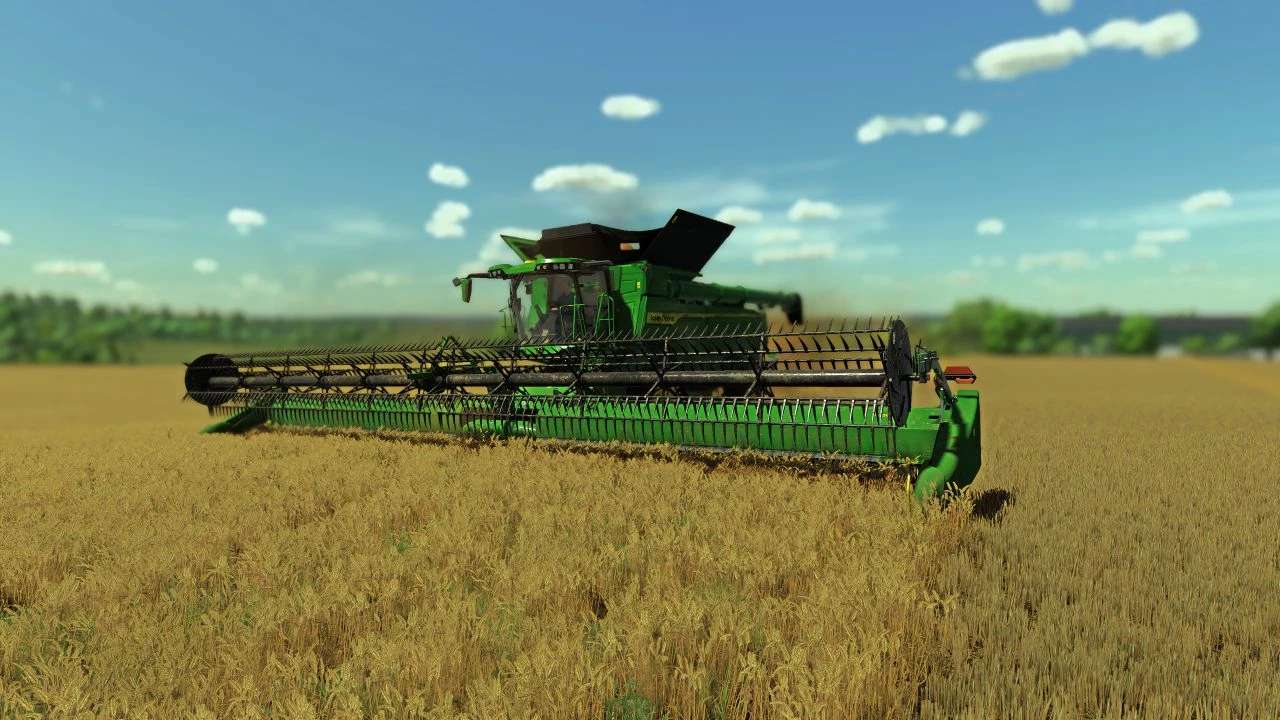
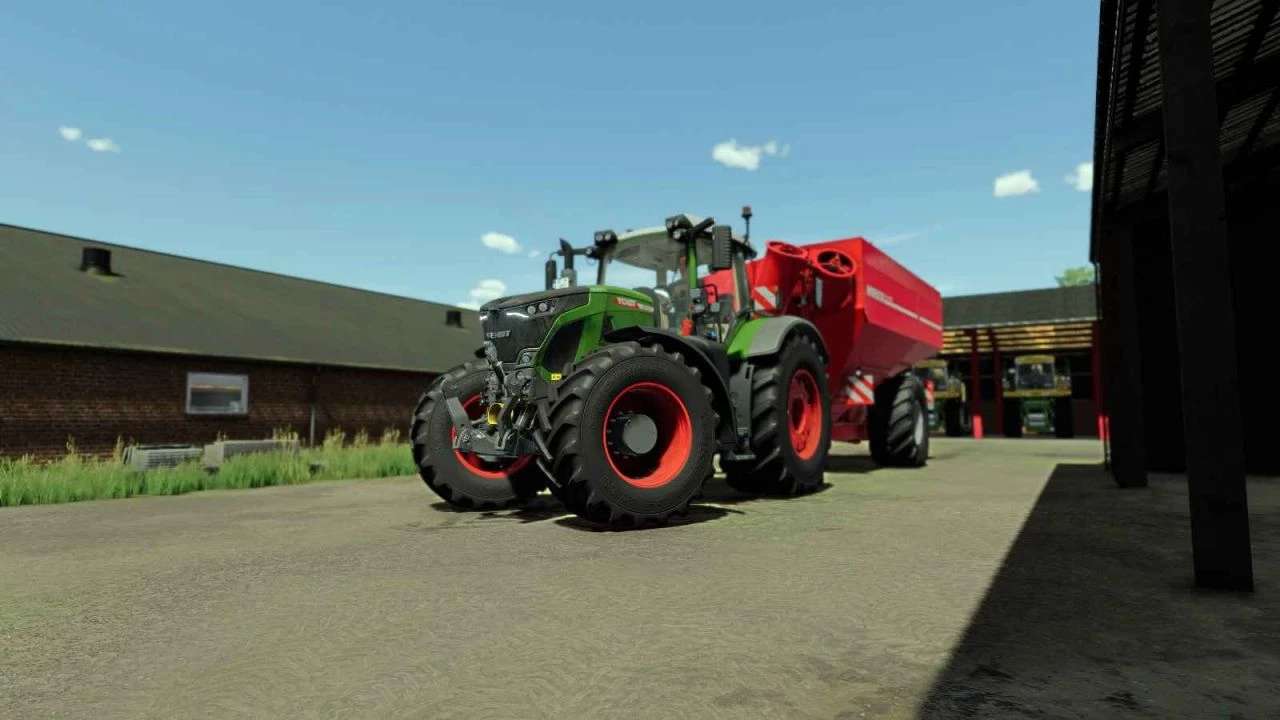
Realistic German Shader v 1.0

Install Reshade from the website, then select this shader from the folder where you placed it and press “Uncheck All” once in the top right corner and then “Check All” again. Next select the Direct11 and look for the x64 exe from the game in the file path of the application (the x64 is also an application 8n of the color RED).
Finish once and start the game, it MAY be that the game doesn’t start, this is because your PC has to load around 500 effects (still being fixed).

Credits:

HighDezign

How to install FS22 Misc?
Firstly find a mod which you like and want to download. Then download a mod to your PC. Mods are usually in .zip format file. But sometimes it can be in .rar. If a mod file is a .zip format no needed additional actions. If a file is in .rar, then you must unarchive mod with software like WinRar or Zip7. Windows 10 users no need to use software for archives, Win10 itself has a feature to unarchive files.
The next step is to find mods folder in your PC. Usually, it is in Documents/My Games/Farming Simulator 25/2025. Open the "mods" folder and put downloaded .zip archive or unarchived .rar file to this folder.
Last step. Enjoy of FS25 mods!

Leave a Reply

Your email address will not be published. Required fields are marked *