

Fendt Favorit 800/900 v 1.0.0.1


Configurations:
– Version 800: 816, 818, 822, 824, 824 chipped LSE Turboshift
– Version 900: 816, 818, 822, 824, 824 chipped Turboshift
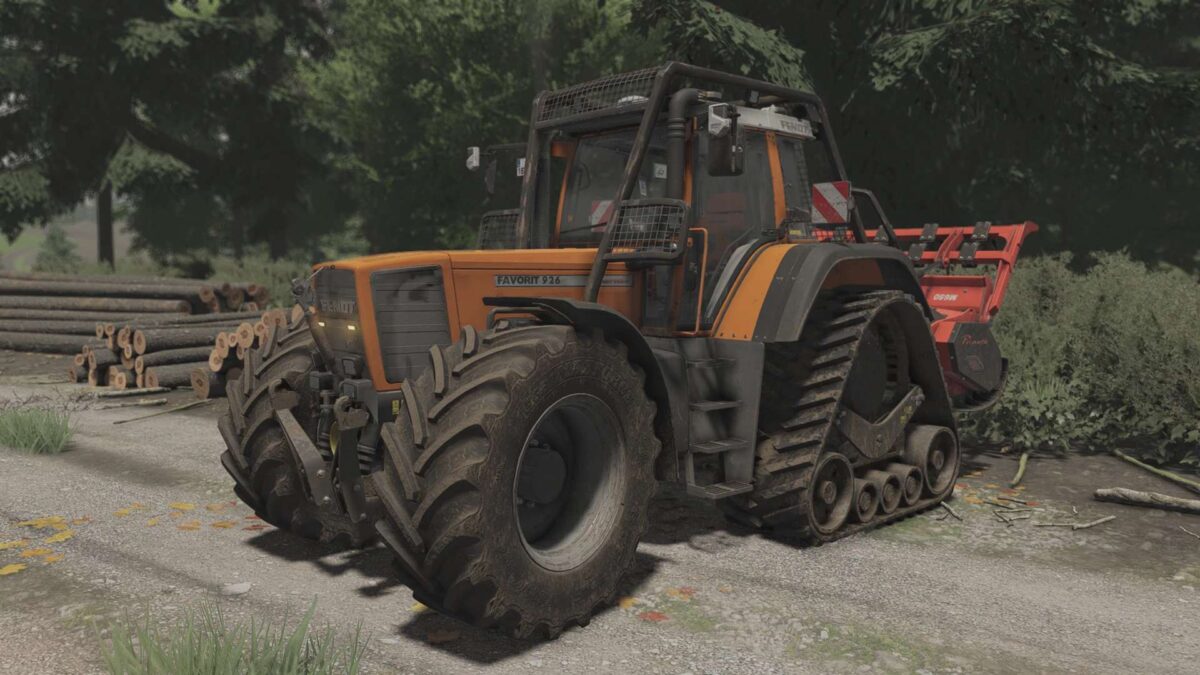
– Over 100 wheels configurations and crawlers
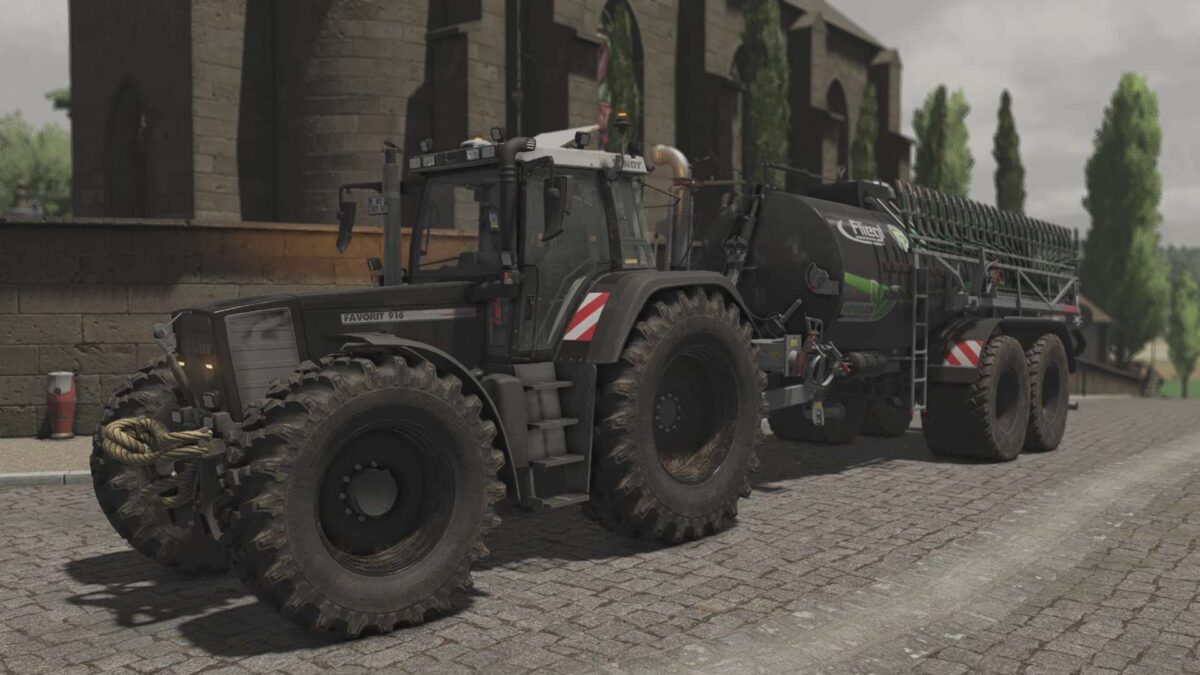
– 9 possible color options regarding body and rims
– 3 point attacher with a rope on top or PTO
– Front weight up to 820kg and steel line on top
– 7 types of front loader ( some of them are remade in blender to fit the tractor)
– Kubota passager seat
– 5 types of beacons: standard, LED, Hella, Fendt, LED Bar, emergency Bar (all of them in configuration left and right plus a strobo bars on front grill)
– 2 types of exhaust setup: Design Line and Chrome
– 3 types of mirrors: Electric, extra large and standart
– Fendt carpet in the Cabin
– GPS: based on Real GPS setup you will get: New holland, Lizard/Fendt and John Deere 6000
– Warning Signs: standard on the sides, special labels front and back, BIG triangle on the back windonw AND special rubber Mud Guards (no mud Guards with crawlers)
– Hella working Lights
– Air horn Pack
– Isobus Terminal
– Forest cage: 2 types
– Crop sensors
Features:
– Reverse driving
– Passanger mode (requires Kubota DLC)
Supported Mods:
– Guidance Steering
– Custom Interactive Control
– Presicion Farming DLC
– Real GPS
Version 1.0.0.1:
* Beacon beam correction
* i3d nodes correction
Credits:
Cpt.G


