

New Holland TR Series Harvesters Pack v 1.0


The Pack consist of New Holland TR Series Harvesters for Farming Simulator 22:
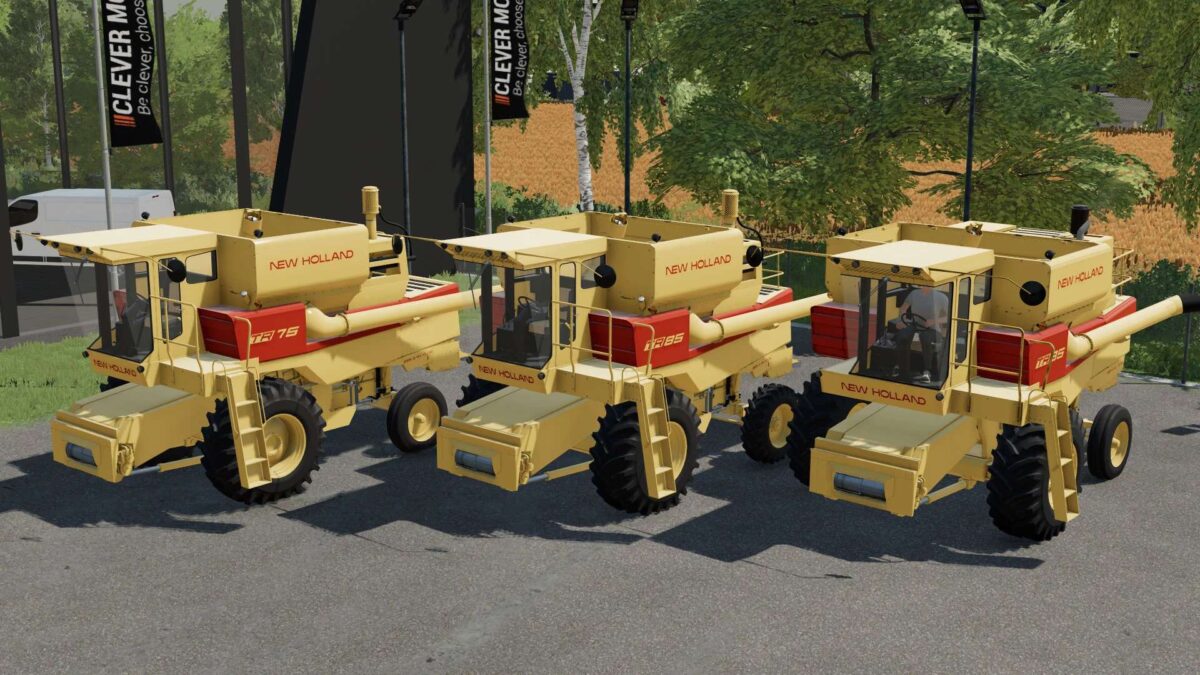
New Holland TR 75:
– Power 155 hp
– Selectable Capacity: 4993 or 6695 liters
– Selectable Wheels
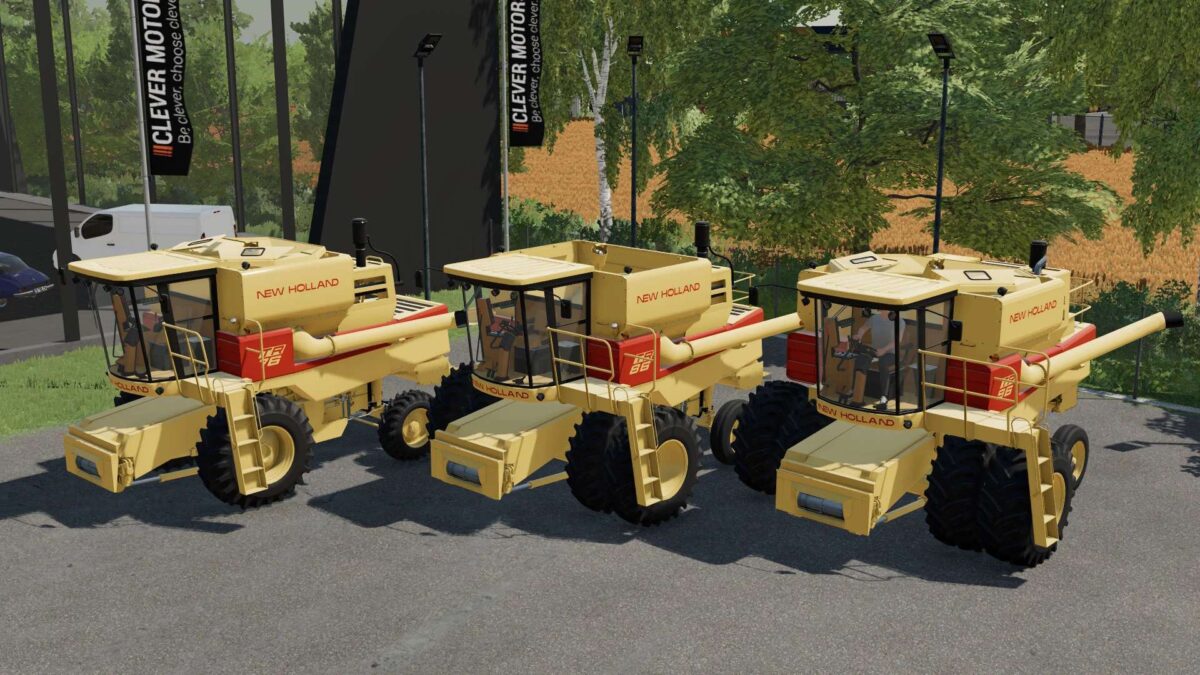
New Holland TR 76:
– Power 155 hp
– Selectable Capacity: 4993, 6695 or 9543 liters
– Selectable Wheels
– Selectable Pipe
New Holland TR 85:
– Power 175 hp
– Capacity 6695 liters
– Selectable Wheels
New Holland TR 86:
– Power 175 hp
– Selectable Capacity: 6695 or 9543 liters
– Selectable Wheels
– Selectable Pipe
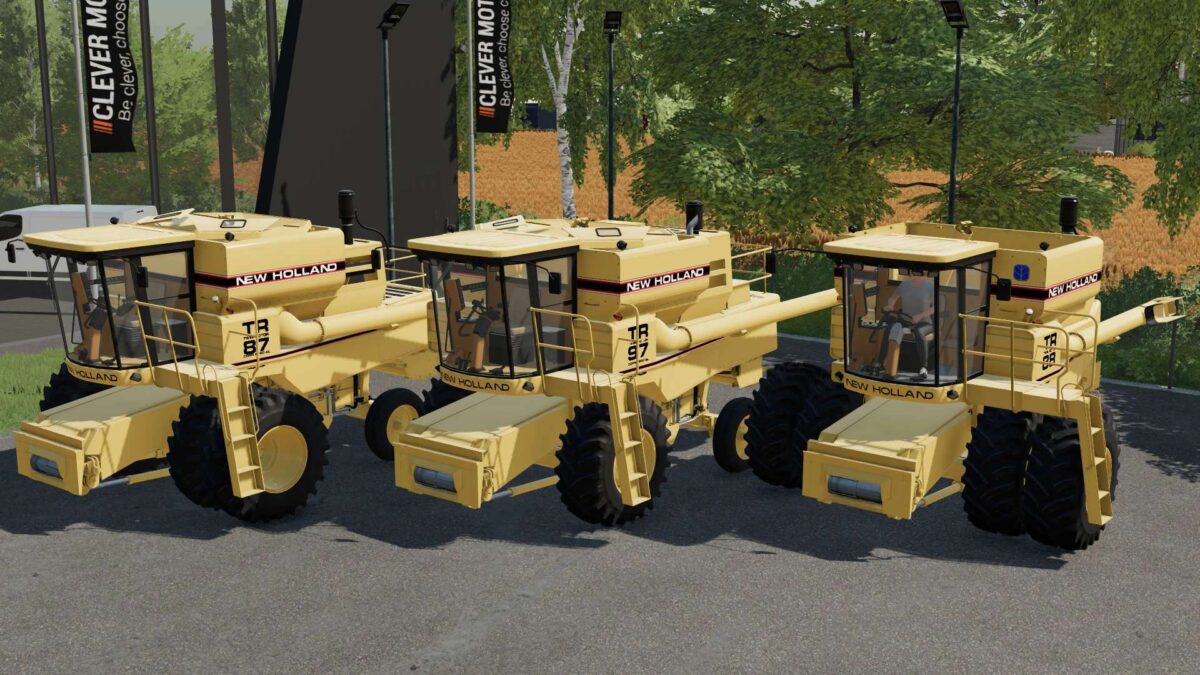
New Holland TR 87:
– Power 175 hp
– Selectable Capacity: 6695 or 9543 liters
– Selectable Wheels
– Selectable Pipe
– Selectable Design
New Holland TR 88:
– Power 175 hp
– Selectable Capacity: 6695 or 9543 liters
– Selectable Wheels
– Selectable Pipe
– Selectable Design
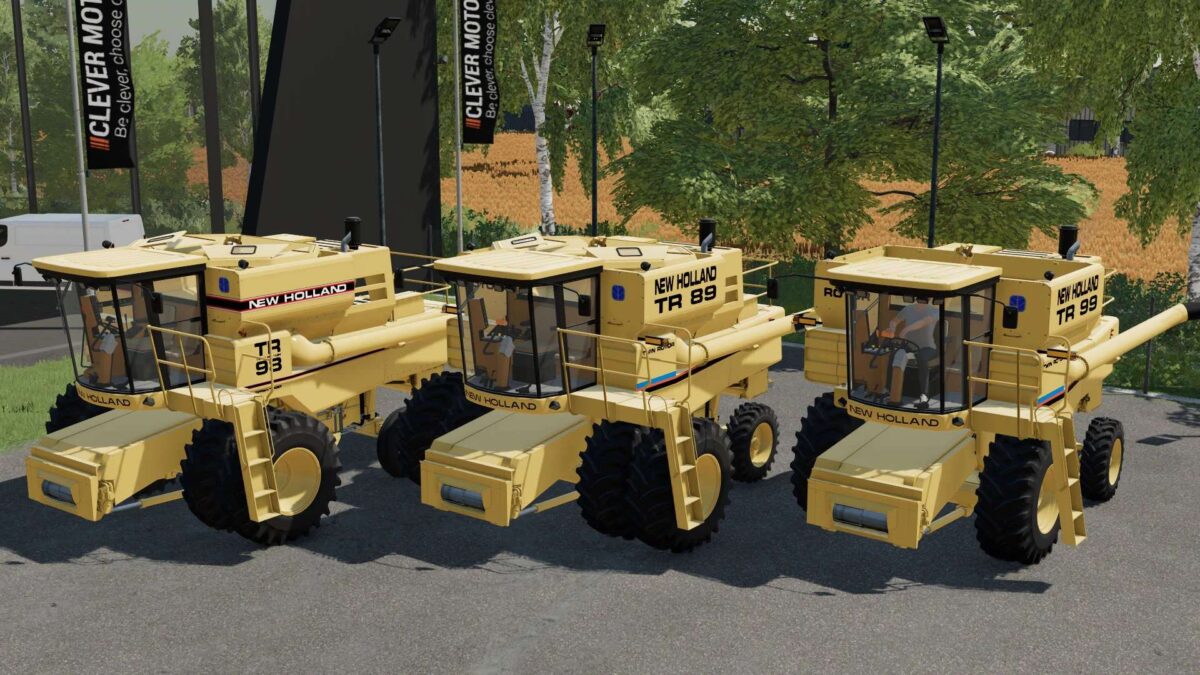
New Holland TR 89:
– Power 240 hp
– Selectable Capacity: 8457 or 12452 liters
– Selectable Wheels
– Selectable Pipe
New Holland TR 95:
– Power 225 hp
– Capacity 8457 liters
– Selectable Wheels
New Holland TR 96:
– Power 225 hp
– Selectable Capacity: 8457 or 12452 liters
– Selectable Wheels
– Selectable Pipe
New Holland TR 97:
– Power 225 hp
– Selectable Capacity: 8457 or 12452 liters
– Selectable Wheels
– Selectable Pipe
– Selectable Design
New Holland TR 98:
– Power 225 hp
– Selectable Capacity: 8457 or 12452 liters
– Selectable Wheels
– Selectable Pipe
– Selectable Design
New Holland TR 99:
– Power 280 hp
– Selectable Capacity: 8457 or 12452 liters
– Selectable Wheels
– Selectable Pipe
Credits:
Tired Iron Modding


