

Adlerhausen Map v 1.0


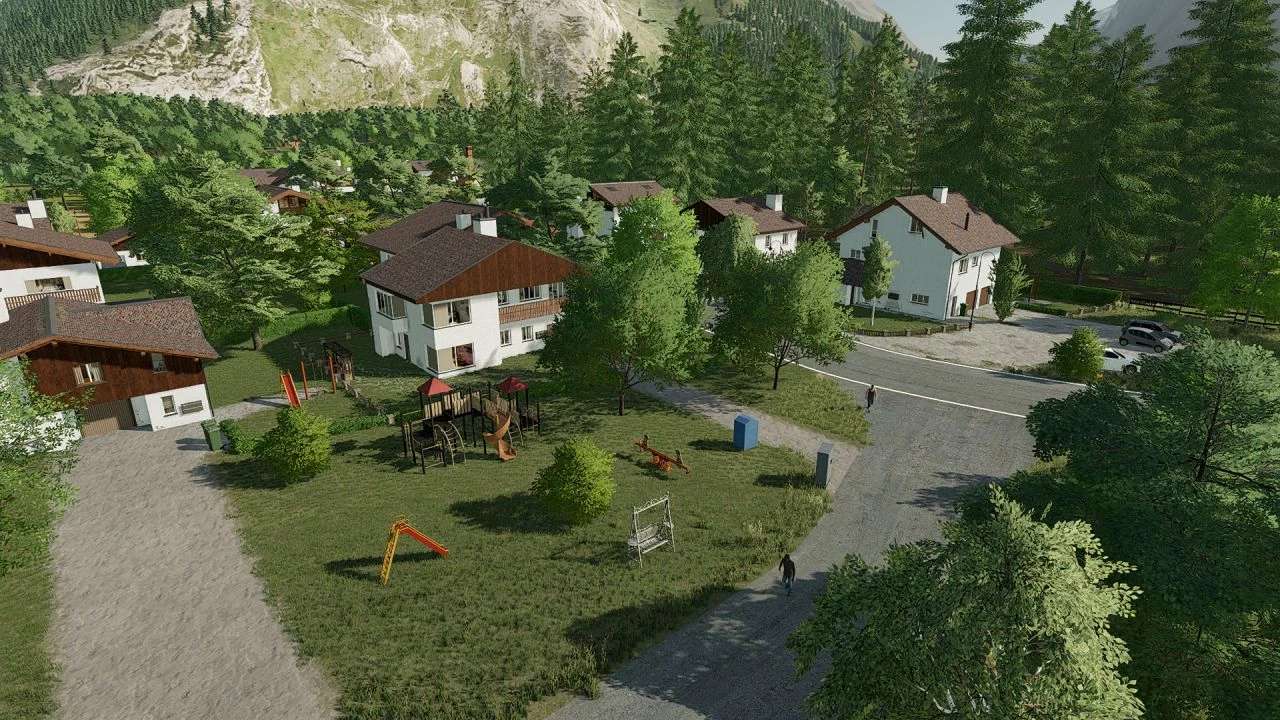
– SALES POINTS: There is a large country store (GLW) in the village as well as a restaurant and a small country store outside the village.
– BUYING STATIONS: At GLW you can buy all types of grain as well as fertilizer, lime and herbicides.
– PRODUCTIONS: There is a small village bakery in the village, outside a grain mill, 2 apple trees, a carpenter’s shop, a dairy and also a BGA. Of course, you can also sell your products at the productions as long as they don’t belong to you.
– IMPORTANT: All productions are purchased with the farmland except the apple trees, which must be purchased using the trigger that is on the apple trees.
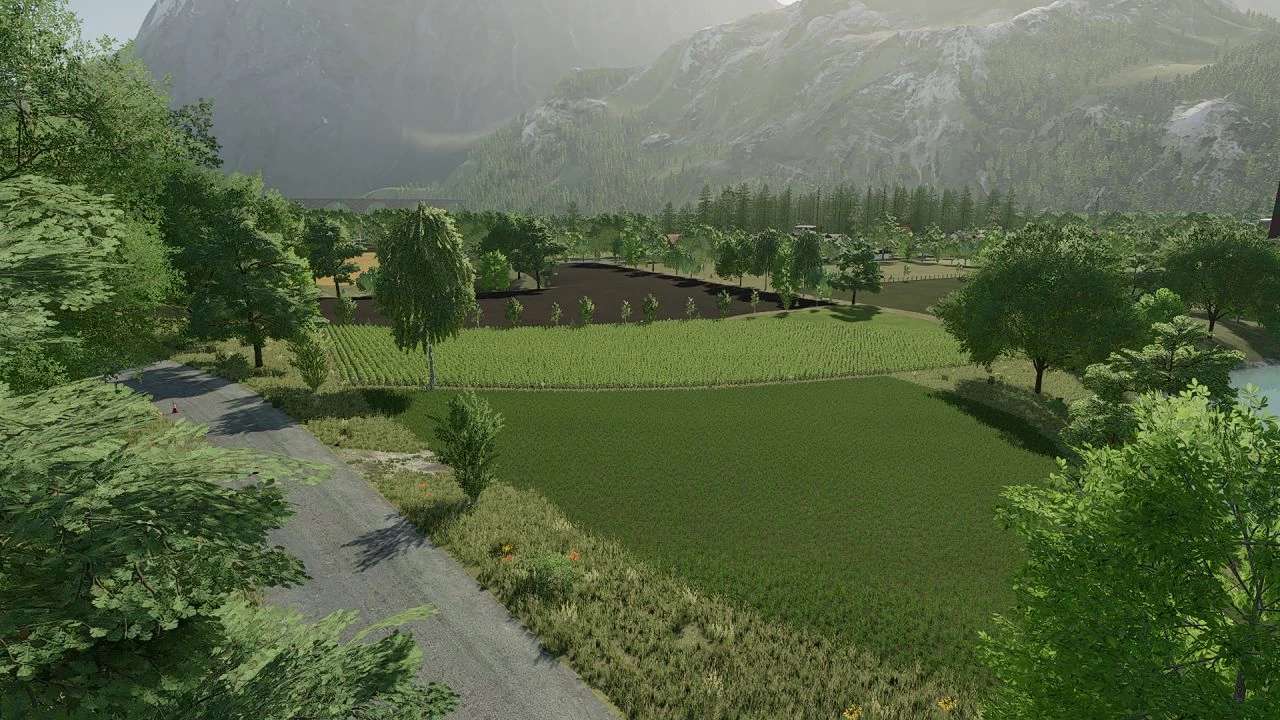
– FIELDS: There are 32 arable fields and 9 meadows in Adlerhausen. The largest field in Adlerhausen has a size of 5.64 ha and the smallest 0.16 ha.
– FORESTS: There are 5 forest areas, the largest of which has an area of 3.61 ha.
3 Farms:
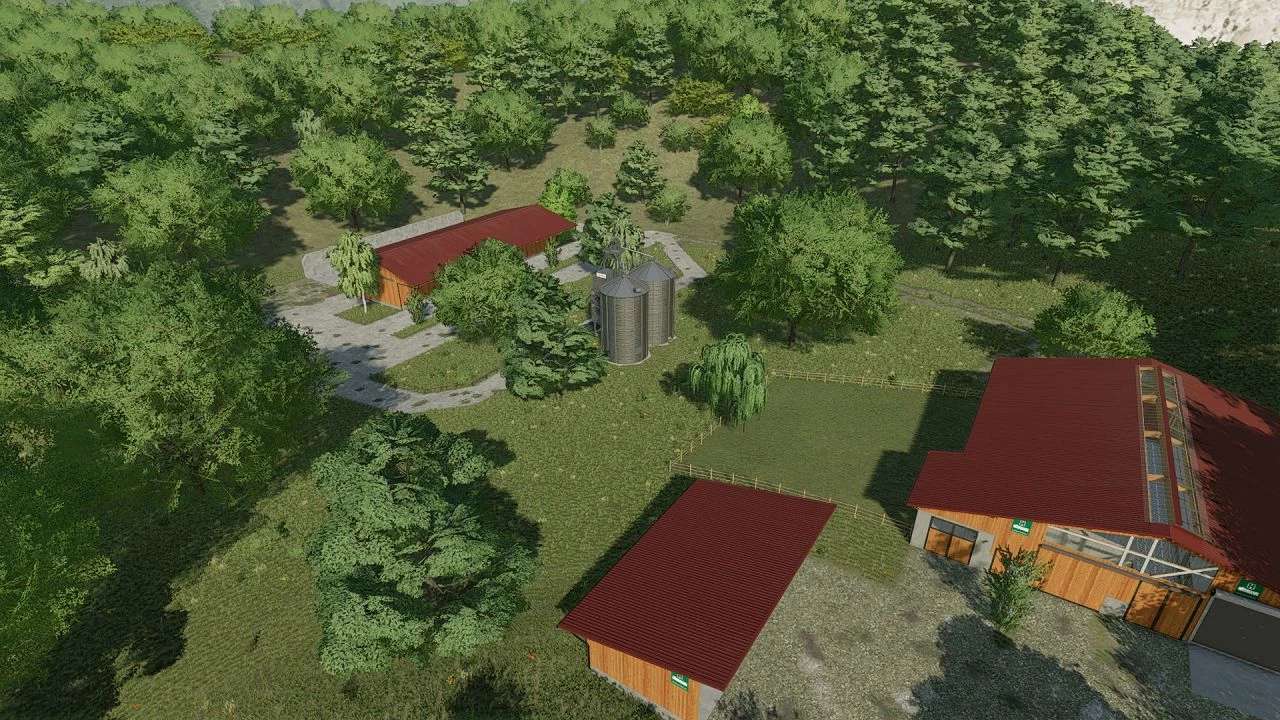
– YARD 1= A pig farm with a small chicken coop and a hall, as well as a grain silo and a farmhouse where they can sleep.
– YARD 2= A cow farm with a large chicken farm, a greenhouse, 2 shelters, a bee house and of course a farmhouse.
– YARD 3= A pure cow yard with a large hall, a small shelter and of course a multi-fruit silo.
Credits:
derhalbprofi


