

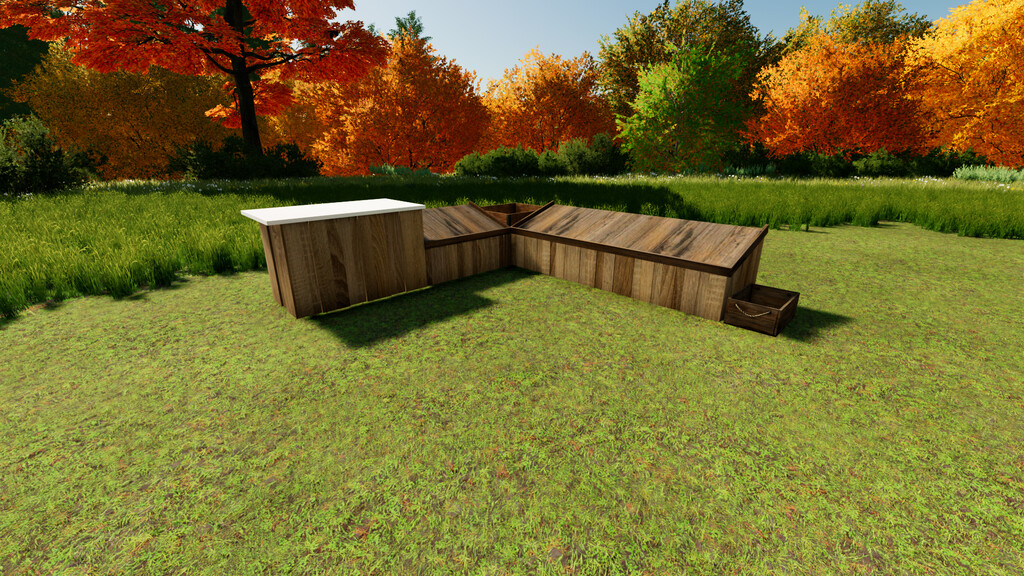
Little Farm Shop v 1.0


With this little farm shop you can convert one of your existing farm buildings into a farm shop.
Simply place the small farm shop in another building using the free mode.
The farm shop is based on production but is only used to sell your products.
Only the products you are currently selling are shown in the farm shop. So you can always see what you need to deliver.
To start selling, you must always have the corresponding production line active.
The farm store is only open from 8 a.m. to 6 p.m. visually, but the products are also sold at other times.
With the help of the sign provided, you can also always show whether your farm shop is currently open or not.
Farm shop sign:
Price: $ 50
Category: Buildings -> Tools
Little farm shop:
Price: $ 2000
Category: Productions -> Selling Points
Products: Cheese, eggs, honey, potatoes, lettuce, bread, strawberries, sunflower oil, butter, tomatoes, flour
Credits:
Dominik Witzel


