

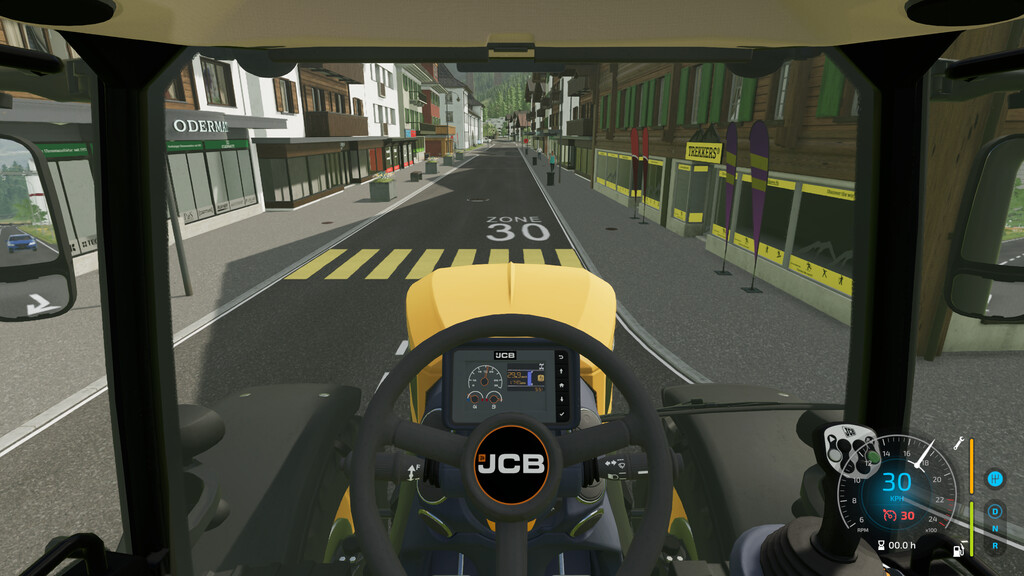
Enhanced Cruise Control v 1.0.0.1


Thanks to this modification, the cruise control in the game gains additional features, including cruise control lock, cruise control speed lock, and smart cruise control.
Cruise Control Lock – This function allows you to activate the cruise control and continue driving at the set speed even after leaving the vehicle. However, special caution should be exercised. In the settings, you can adjust whether this function should only work on fields or not.
Activating/deactivating cruise control lock – key combination “left ctrl + 4” (default)
Cruise Control Speed Lock – This option locks the vehicle’s maximum speed to the value set on the cruise control.
Activating/deactivating cruise control speed lock – key combination “left ctrl + 7” (default)
Smart Cruise Control – Depending on the selected mode, the cruise control adjusts the maximum speed of the vehicle in relation to other vehicles.
Modes include:
Auto: Adjusts the speed to the vehicle closest to you.
Front: Adjusts the speed to the vehicle in front of you.
Back: Adjusts the speed to the vehicle behind you.
Left: Adjusts the speed to the vehicle on the left side.
Right: Adjusts the speed to the vehicle on the right side.
Next/previous smart cruise control mode – key combination “left ctrl + 5/6” (default)
Version 1.0.0.1:
* Fixed self propelled sprayers don’t load in store
Credits:
VertexFloat


