

Altkirch Im Elsass Map v 2.0.0.6


Version 2.0.0.6:
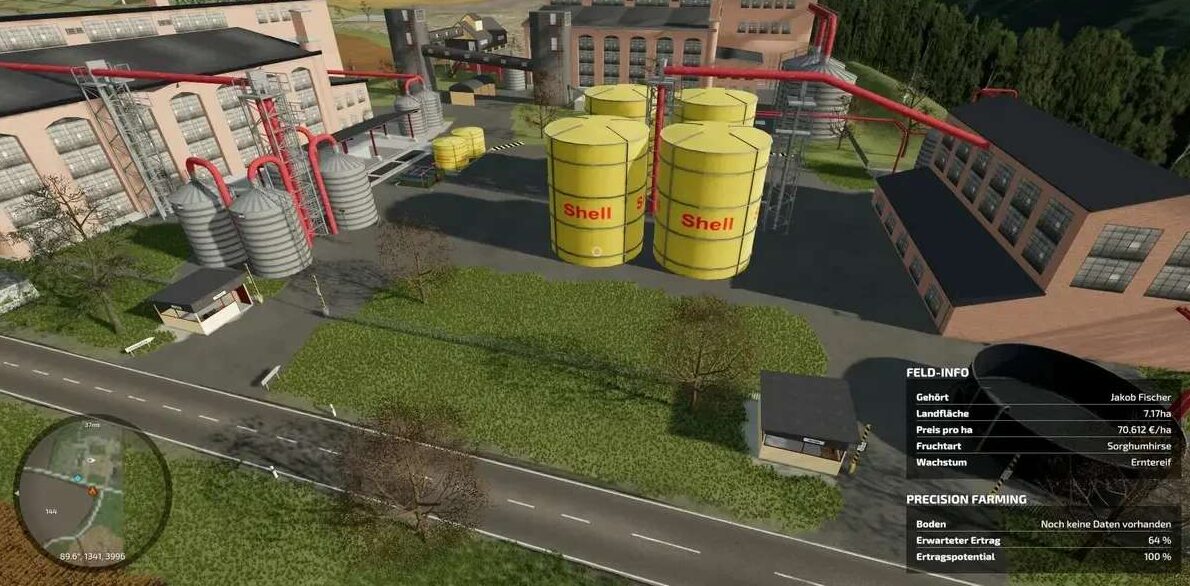
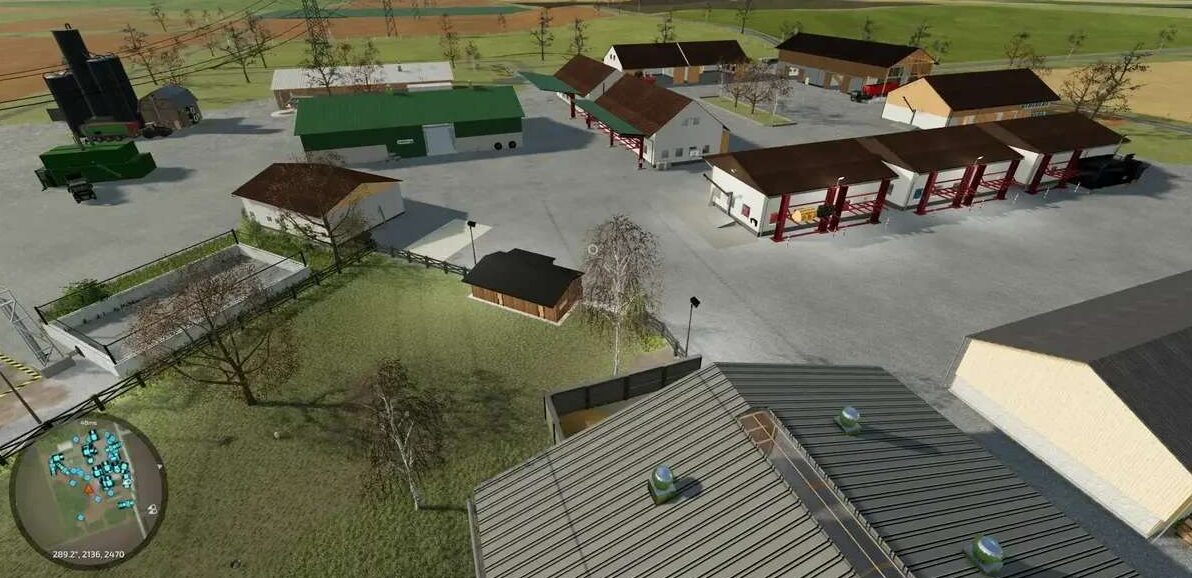
* Silo at the main farm expanded -> sorghum millet
* Large display board for silos at the main farm newly built
* Waste added as output for some productions
* Silo at the chicken farm expanded and fixed
* ChangeInitialStart script removed
* Collisions at traffic lights adjusted for AD
* Sheep farm and sheep pasture animals in the stables increased
* Farm lighting created at the egg farm
* Silage additive production added for mineral feed production
* Fermenter main farm (removal trigger incorrect position) fixed
* Unloading trigger at Agrola gas station fixed
* Unloading trigger at chicken coop at the chicken farm enlarged
* Translation for pellet production fixed
* Silo at the sheep farm => displays fixed
* Water trigger at the pig sty/pig farm enlarged
Credits:
Martin/Cro


