

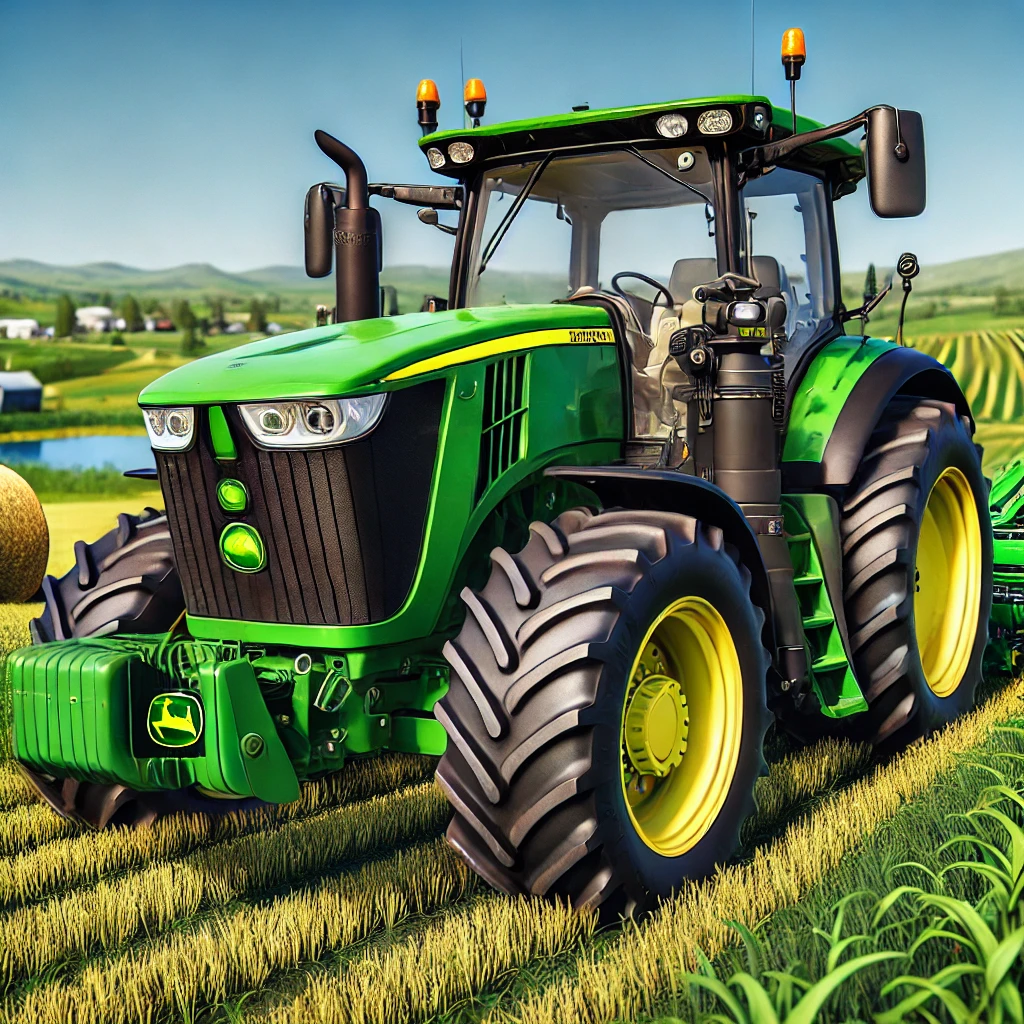
FS25 Tractor mods


## Exploring Tractors and Mods in Farming Simulator 25
### Introduction
Farming Simulator 25, the latest installment in the popular agricultural simulation series, offers a robust and immersive farming experience. One of the standout features of this game is its extensive selection of tractors and the availability of mods, which enhance gameplay and provide endless customization options. In this article, we’ll delve into the world of tractors in Farming Simulator 25 and explore how mods can elevate your farming adventures.
### Tractors in Farming Simulator 25
Tractors are the backbone of any farming operation, and Farming Simulator 25 delivers an impressive array of choices. From small, nimble tractors perfect for vineyard work to massive beasts designed for heavy-duty fieldwork, there’s a tractor for every task. Here are some key categories of tractors available in the game:
1. *Small Tractors:*
– Ideal for lighter tasks such as mowing, transporting small loads, and working in tight spaces.
– Examples include the Fendt 200 Vario and the John Deere 6M Series, both known for their agility and versatility.
2. *Medium Tractors:*
– Versatile machines capable of handling a variety of tasks, from plowing to sowing.
– Popular models include the Massey Ferguson 7700S and the Case IH Puma Series, which offer a balance of power and maneuverability.
3. *Large Tractors:*
– These are the workhorses of your farm, designed for heavy-duty tasks such as cultivating and harvesting.
– Notable examples are the John Deere 8R Series and the New Holland T8 Genesis, known for their sheer power and advanced features.
4. *Specialized Tractors:*
– Designed for specific tasks, such as forestry or vineyard work.
– The Fendt Vario V is perfect for vineyards, while the Komatsu 931XC shines in forestry operations.
### Mods: Enhancing Your Farming Experience
One of the most exciting aspects of Farming Simulator 25 is the support for mods. Mods, short for modifications, allow players to customize their farming experience by adding new content, tweaking existing features, or even overhauling the game entirely. Here’s how mods can transform your gameplay:
#### 1. *New Tractors and Equipment:*
– Modders frequently create new tractors and equipment, expanding the range of machinery available in the game.
– These additions can include everything from vintage tractors to futuristic concepts, allowing players to tailor their fleet to their preferences.
#### 2. *Improved Graphics and Realism:*
– Graphics mods enhance the visual quality of the game, adding more realistic textures, lighting, and weather effects.
– Realism mods can adjust gameplay mechanics to create a more authentic farming experience, such as realistic soil behavior and crop growth.
#### 3. *Map Mods:*
– Map mods introduce new environments to explore, from picturesque European countrysides to sprawling American prairies.
– Each map comes with unique challenges and opportunities, keeping gameplay fresh and engaging.
#### 4. *Gameplay Enhancements:*
– Mods can also enhance various aspects of gameplay, such as adding new crops, animals, and production chains.
– Quality of life mods streamline tasks, such as automatic refueling or improved AI worker behavior.
### Popular Tractor Mods for Farming Simulator 22
Several tractor mods have gained popularity within the Farming Simulator 22 community, thanks to their quality and creativity. Here are a few noteworthy examples:
1. *John Deere 9RX Series:*
– This mod adds the iconic John Deere 9RX Series tractors, known for their exceptional power and track design.
– It’s perfect for heavy-duty fieldwork and can handle the most demanding tasks with ease.
2. *Claas Xerion 5000:*
– The Claas Xerion 5000 mod introduces a highly versatile and powerful tractor, ideal for large-scale farming operations.
– Its unique rotating cab and advanced technology make it a favorite among players.
3. *Fendt 900 Vario S5:*
– This mod brings the Fendt 900 Vario S5 series to the game, offering a blend of power, efficiency, and modern features.
– It’s suitable for a wide range of farming activities, from plowing to transporting heavy loads.
### Installing and Managing Mods
Installing mods in Farming Simulator 25 is a straightforward process. Players can browse and download mods directly from the in-game ModHub or from various third-party websites. Once downloaded, mods can be activated through the game’s main menu.
To ensure a smooth experience, it’s important to manage mods carefully:
1. *Compatibility:*
– Check for compatibility with the current game version to avoid issues or crashes.
– Some mods may require other mods or specific DLCs to function correctly.
2. *Updates:*
– Keep mods updated to benefit from bug fixes, new features, and improved performance.
– Regularly check for updates on the ModHub or the mod creator’s website.
3. *Organization:*
– Organize your mods by category or priority to make it easier to manage them.
– Disable or remove mods that are no longer needed or causing conflicts.
### Conclusion
Farming Simulator 25 offers an unparalleled farming experience, with a diverse selection of tractors and the flexibility to enhance gameplay through mods. Whether you’re a seasoned virtual farmer or a newcomer to the series, the combination of high-quality tractors and creative mods ensures that every farming session is unique and enjoyable. Dive into the world of Farming Simulator 25, explore the vast array of tractors, and customize your farm to your heart’s content with the help of mods. Happy farming!
Credits:
fsmods.lt


