

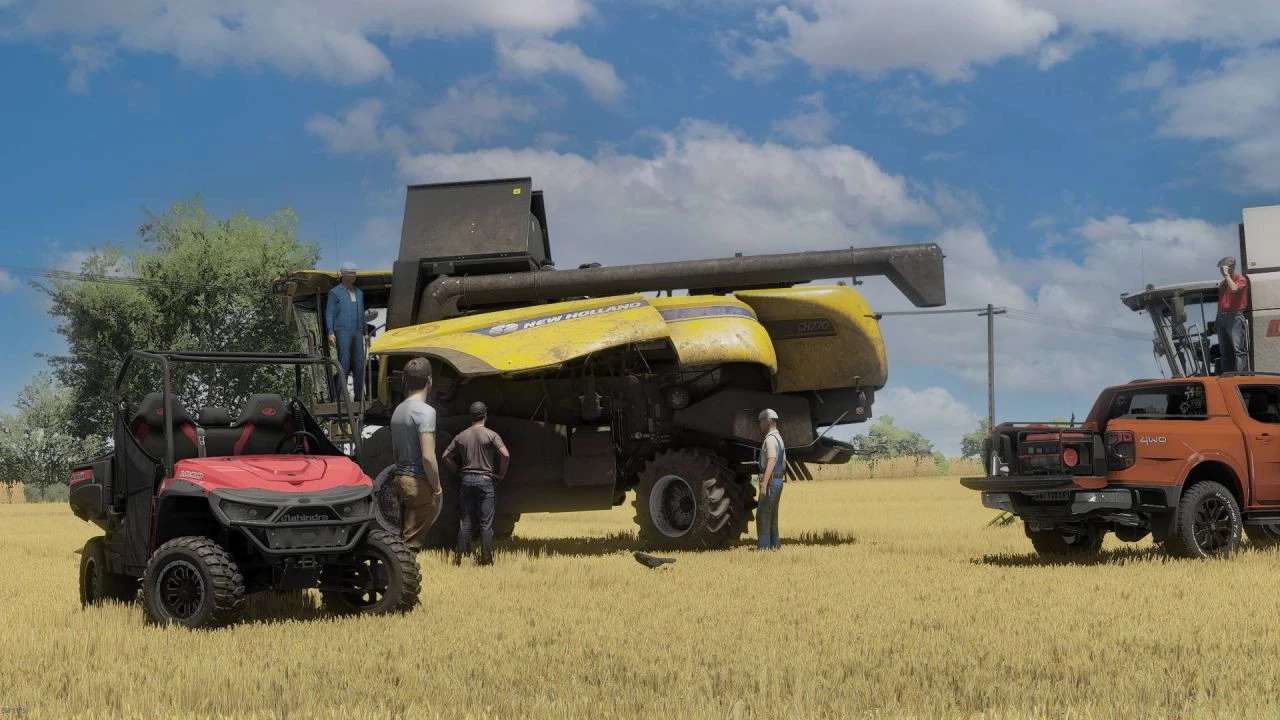
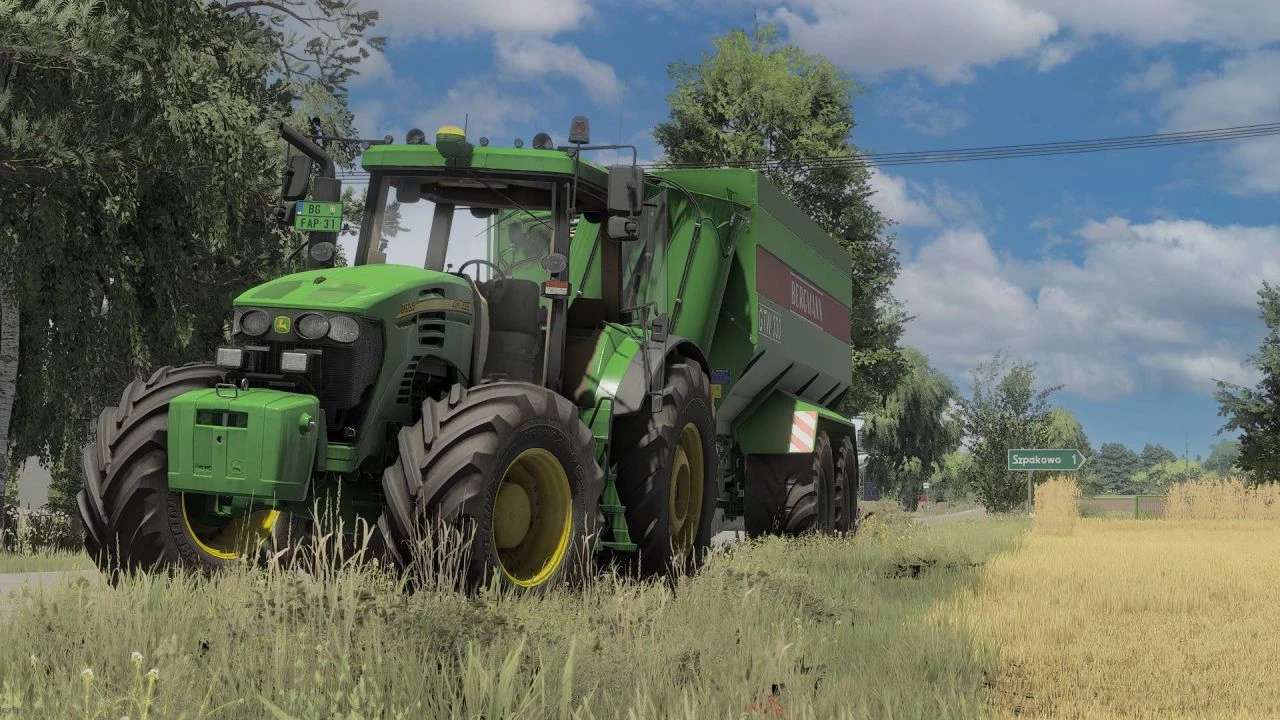
Shader v 1.2


Install Reshade:
– Pick Giants Engine 9.0.0.0 and DirectX10, 11, 12
– Pick install preset, that is in x64 folder and install effects (Or you can install all effects, and it’s more simple)
– Go in C:\User\Documents\My Games\FarmingSimulator2022\modSettings and put there FS22_additionalGameSettings folder and replace it
– Go in Program Files (x86)\Steam\steamapps\common\Farming Simulator 22 and put there x64 folder with file Shader9.ini
– Launch the game and press “Home” button and select “Shader9.ini”
– When you have it selected, go in “Addons” tab and pick your resolution
– When you are in the launched game, go in settings and press ESC and go in “Additional Settings” tab and change your Custom lighting to Elmcreek
Instructions:
– Install Addition Game Settings mod
Version 1.2:
* Added missing PNG
Credits:
mihajlomiki


