

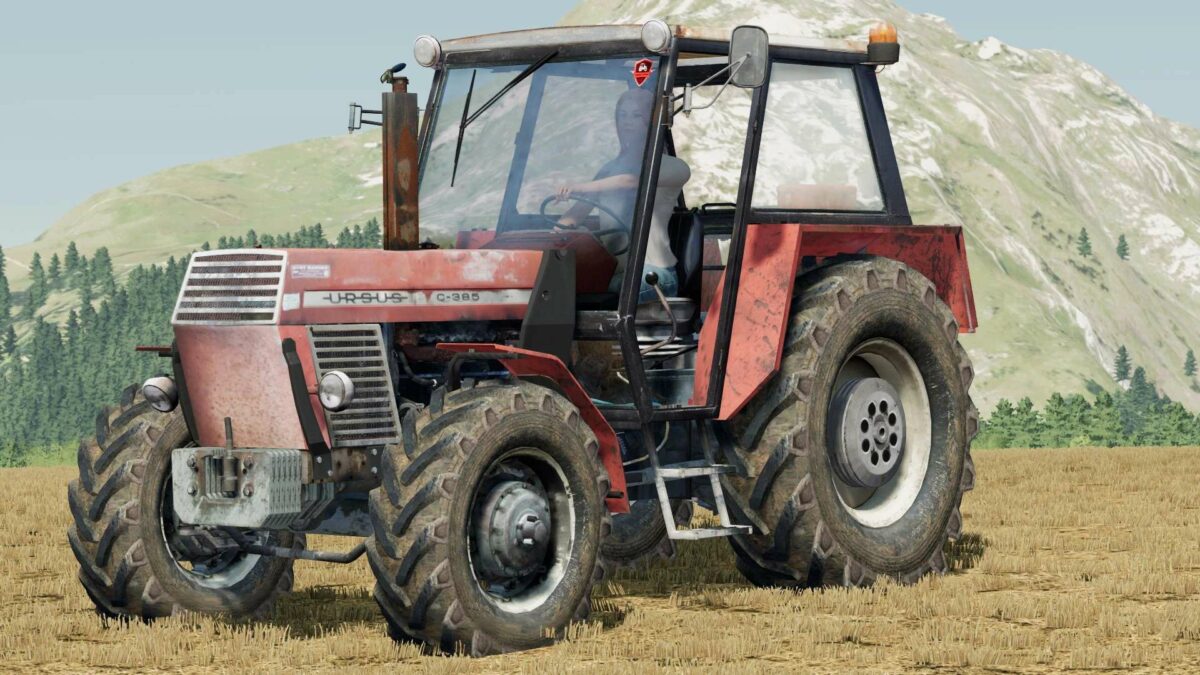
Ursus C385 v 1.0


Step into the world of modern agriculture with the Ursus C385, a reliable tractor featured in Farming Simulator 22. This model comes equipped with a 76 hp engine, providing enough power to tackle a variety of farming tasks. The tractor also features a frontloader attacher, which greatly enhances its versatility, allowing players to attach various implements and handle different types of loads.
Customization is key in Farming Simulator 22, and the Ursus C385 doesn’t disappoint. With selectable wheels, farmers can choose the appropriate tires for their terrain and farming activities. Moreover, the selectable design option offers additional aesthetic choices, enabling players to personalize their tractor to their liking.
Whether you’re plowing fields, sowing seeds, or transporting goods, the Ursus C385 is a solid choice for any virtual farmer looking for efficiency and customization.
Credits:
PrezesZiaroo, Marcello1942, gracajn26, King Johnny


