

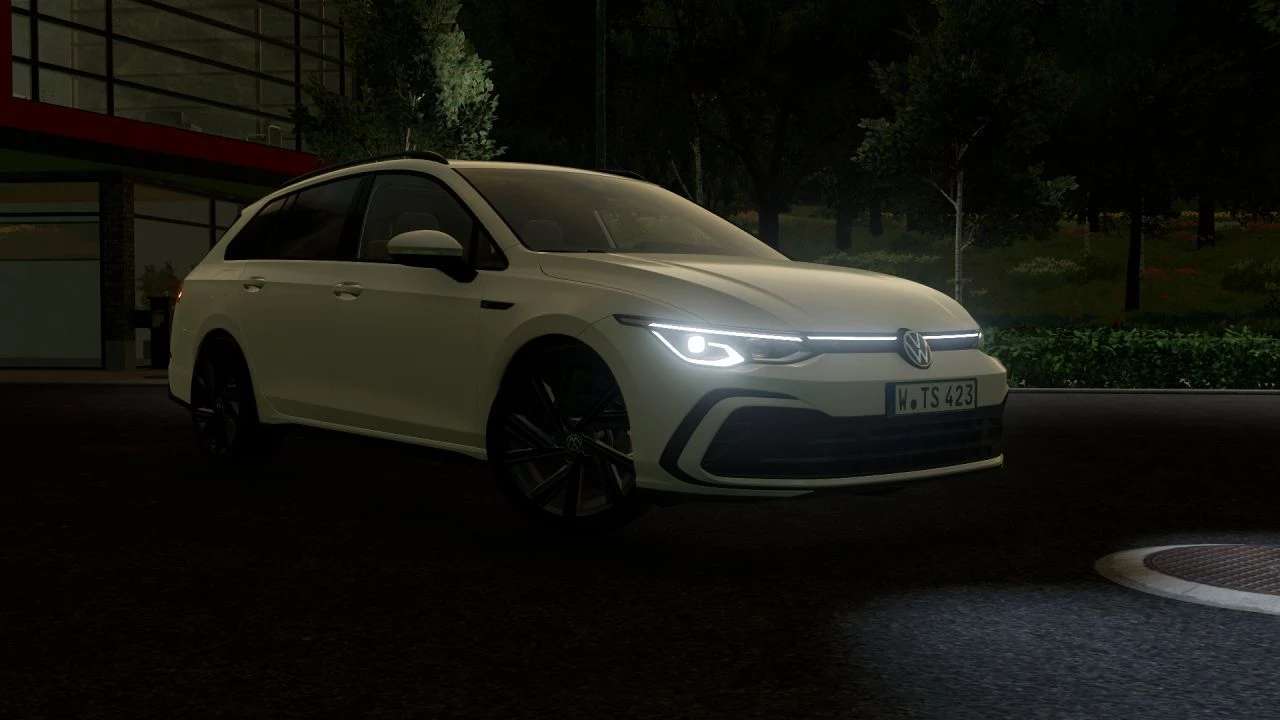
Volkswagen Golf 8 R Variant v 1.1


Features:
– Animated doors via Simple-IC
– City Horn on the ‘Open Cover’ button
– Rear warning on button ‘X’ (Only with the DBS 5000)
– Passenger seats (Only available with the Kubota DLC)
Skin configuration:
– Carpaint – civil
– Mittelberg fire department
– Police
– Customs
– Road maintenance department
– MIB Logistics
Blue light configuration:
– No facility
– DBS 3000
– DBS 4000
– DBS 5000
– Comet S fixed assembly
– Comet S Magnet (IC)
Blue light color configuration:
– Blue
– Orange
Front flasher configuration:
– With front flasher
– Without front flasher
Version 1.1:
* Added Emergency Pack
* Added new version of DBS 3000
* Added new version of DBS 4000
* Added Hänsch control panel
* Added Functional navigation via Dashboard Live
* Added Working time on display
* Changed Simple IC to IC
* Changed Skin ‘Road Maintenance’
* Changed High beam to Ctrl+F
* Changed Front flasher color is configured with blue light color
* Improved Vehicle scaling
* Fixed Plastic bugs through the rear window
* Fixed Tire tracks now car, no longer tractor
Credits:
SoSi-Modding, Craig


