

Black Mountain Montana Map v 1.0


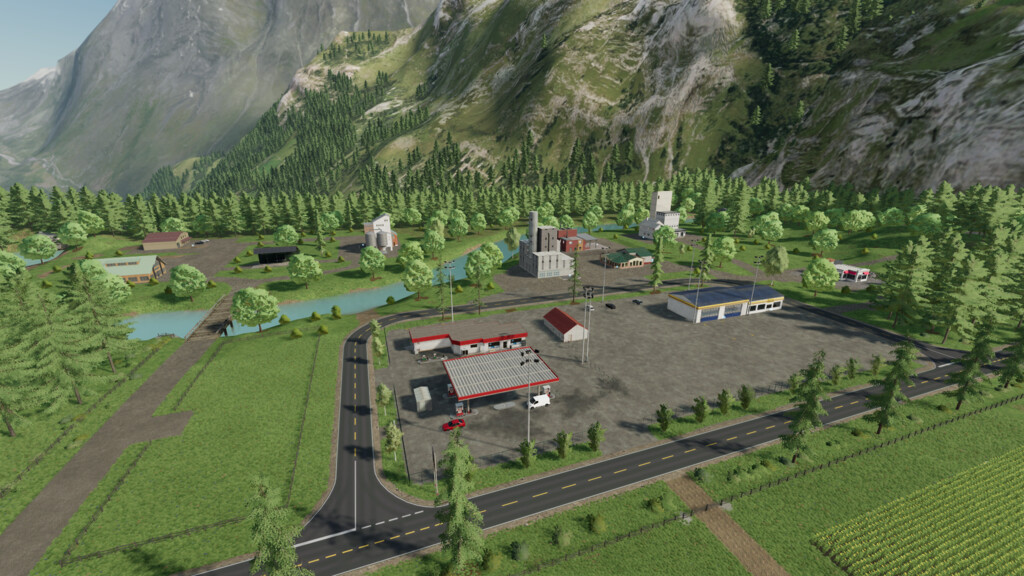
Welcome to Montana, the Big Sky Country. This map uses real world terrain from the Big Flat area near Missoula Montana.
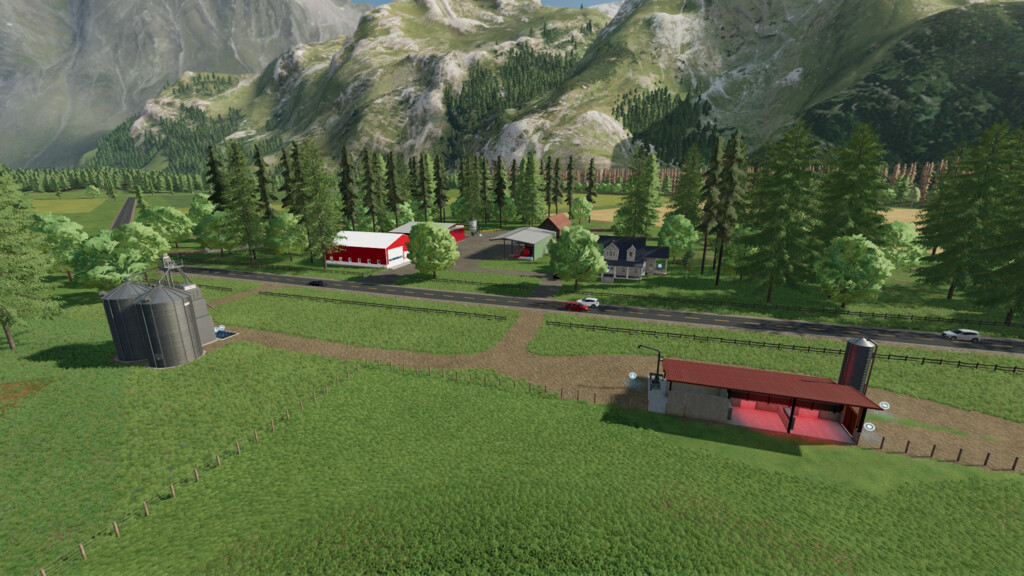
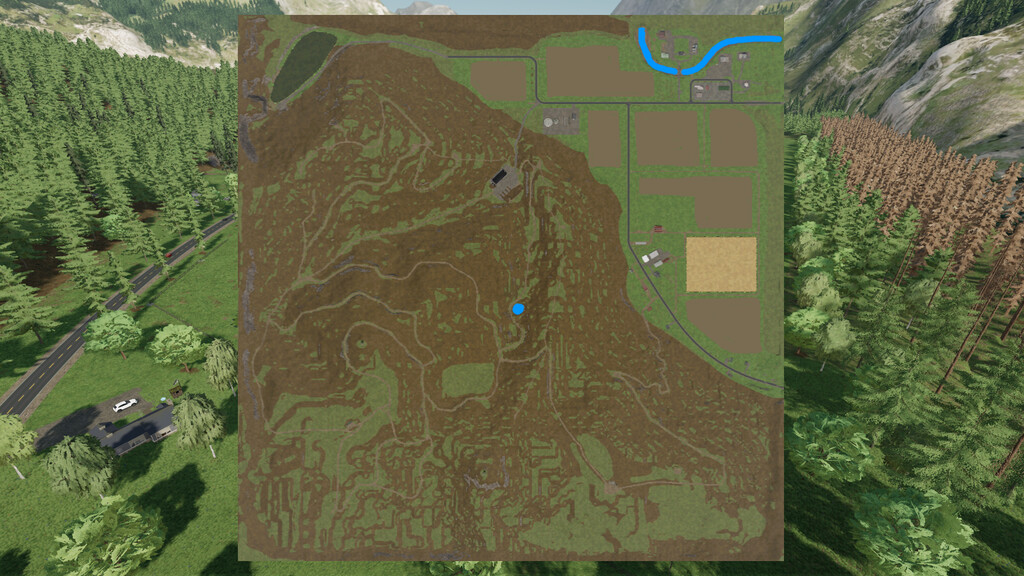
Most of the map is mountainous forest with some flat farm land in the Northeast.
This is a forestry map with limited farming.
The cows, sheep, pigs and chickens are on the map and there are enough arable fields for a single player to make a living at farming.
The description above is from the original FS17 map and I felt it needed to be included.
Black Mountain 22 offers
-Two new crops Alfalfa and Blackbean
-Soybean straw and Corn Straw, Corn straw added to pigs and cows for feed
-Several new filltypes include, Coal,Gravel,Dirt and others
-Carpentry,makes Shingles,Staircase,Prefab walls…PLEASE NOTE Platinum Expansion needed for these to work
-Sawmill does chips and bark, Bark is used to make Charcoal or sale
-Farm is completely sellable
-90% of fences are sellable
-Soybean,Sugarbeets,Potato,and Corn have new textures,Soybean in rows
-And much more…
Credits:
Poorboy, Hoot


