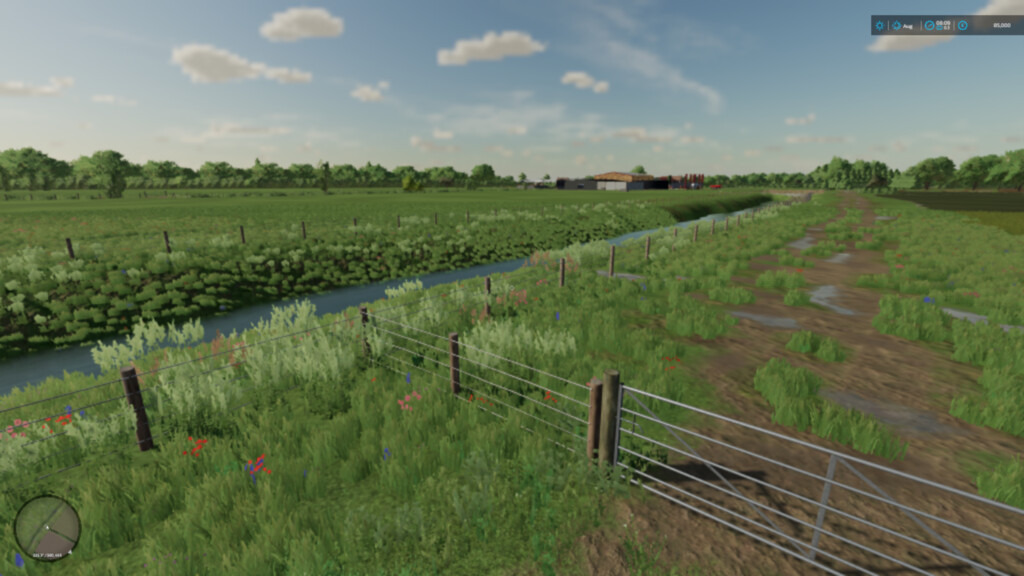
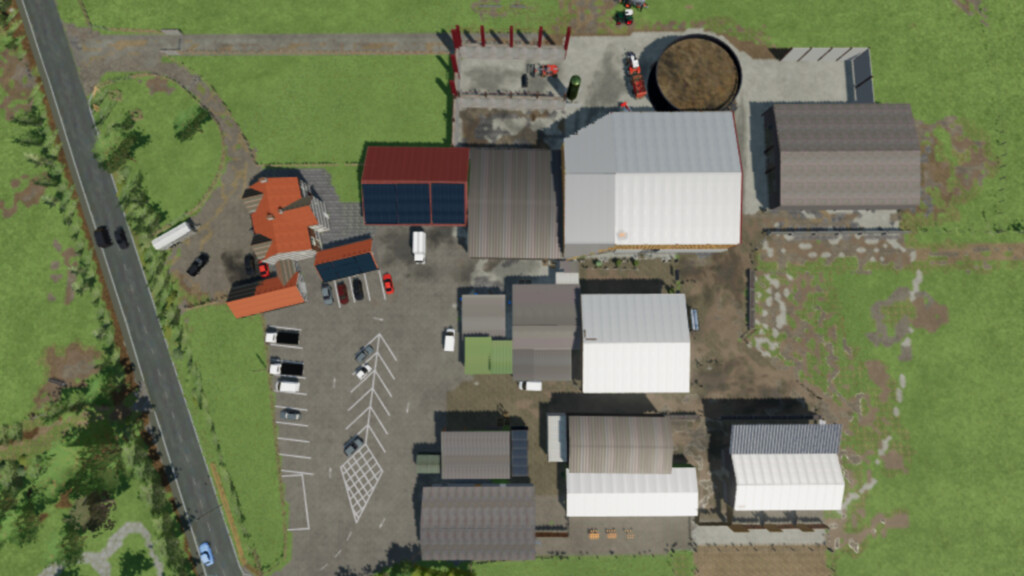
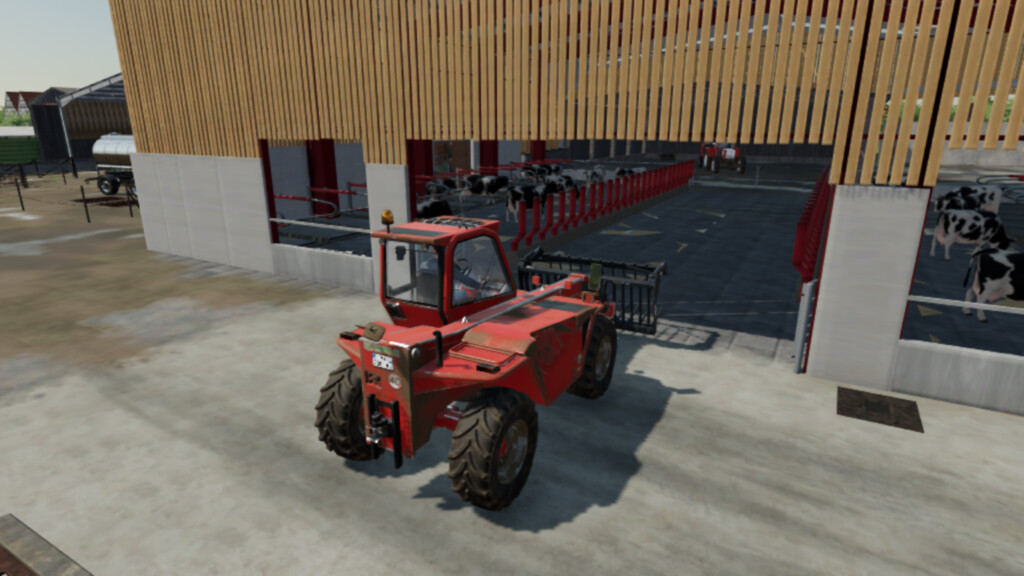
Ballam RD Dairy Farming Map v 1.0


Welcome to Ballam Rd Dairy Farming based in north west England.
– Geo and crop calender based from Blackpool England
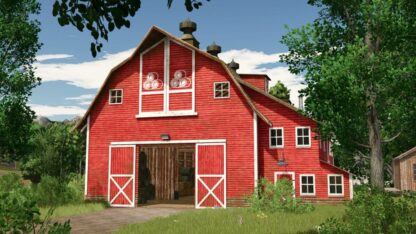
– 2 owned farms containing 5 cattlesheds and 5 cattle pastures
– Pastures have been loaded with 1 years supply of hay to simulate grazing and to enable milk production
– Begin the game with 120 dairy cows and 100 beef cattle
– Farm shop and dairy at starting farm
– No sleep trigger allowing you to place a doormat and live at any house on the whole map
– 6 sell points
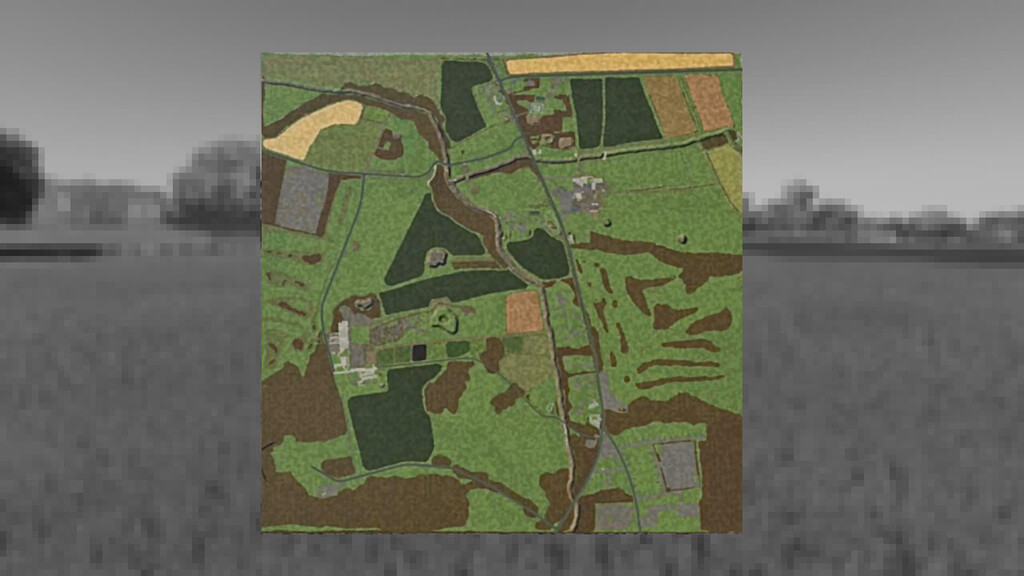
– 25 fields
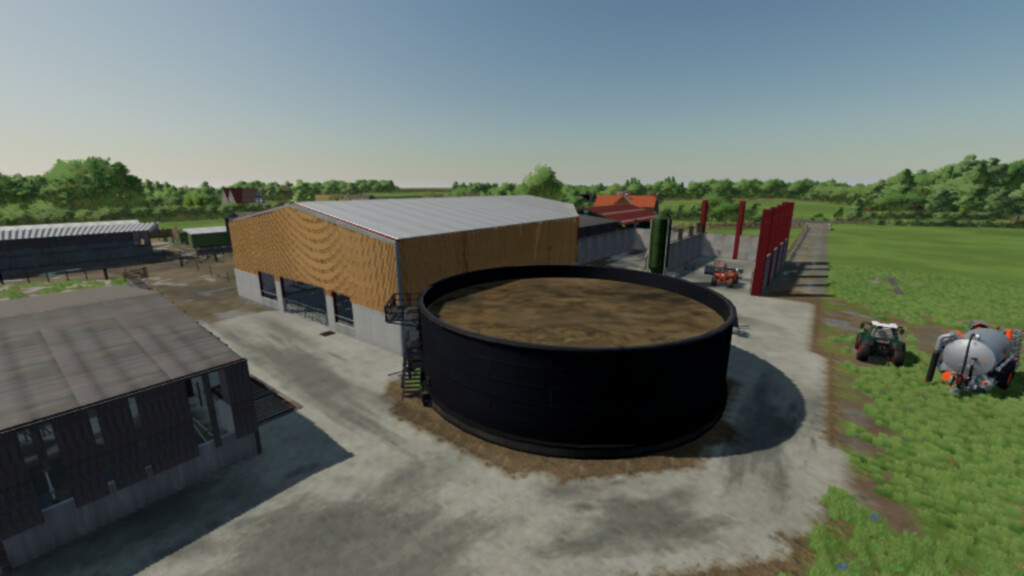
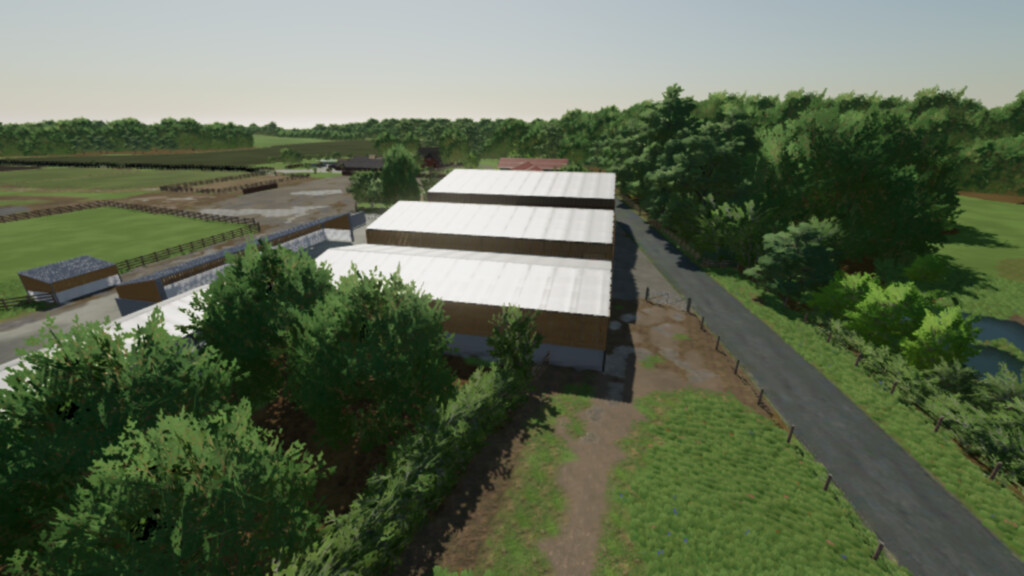
– 5 Custom built Cattlesheds
– 5 Custom build Cow Pastures
– Custom soil map from taken from Birks farm and Home Farm area’s
– Contracts installed into the map
– All the cattle pastures can be sold to allow for placing your own animals
– Large buildable area in the second farm
– Special thankyou to AlienJim for allowing me to use his parked vehicles mod and a huge thankyou to MrFarquar for all his help with building this map and testing along with Mafia X Phantom
– I hope you all enjoy my first map
Credits:
FS Landscaping